
|
|


Creating an SDA Study
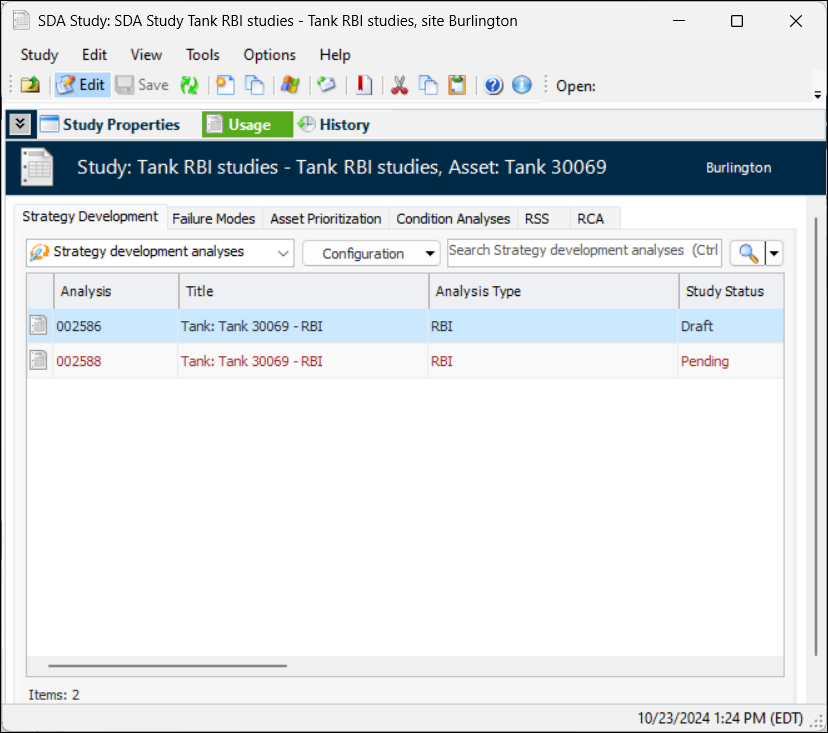
In the SDA Study window, the Usage view shows the analyses and failure modes that refer to the study. For example, the Strategy Development tab lists analyses, their types, statuses, and assets:To Create an SDA Study
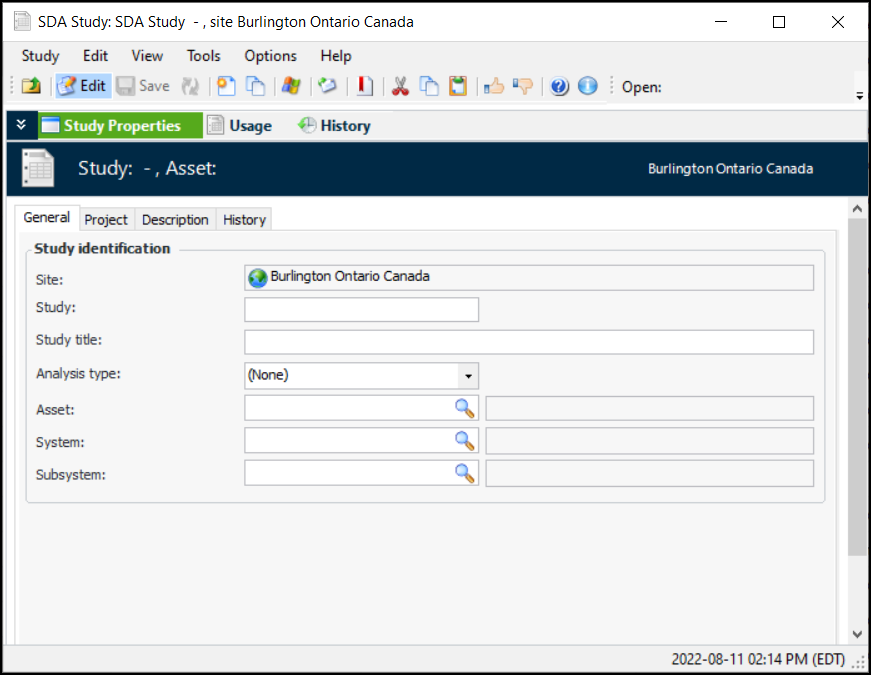
 ) to select the appropriate values. The asset number, system, and subsystem numbers and names are added to the window.