Reviewing Table Configurations

APM administrators can view all of the table configurations in APM, review their characteristics. With an administration license key, you can view the users who last accessed configurations.

To Review Table Configurations

1.
2.
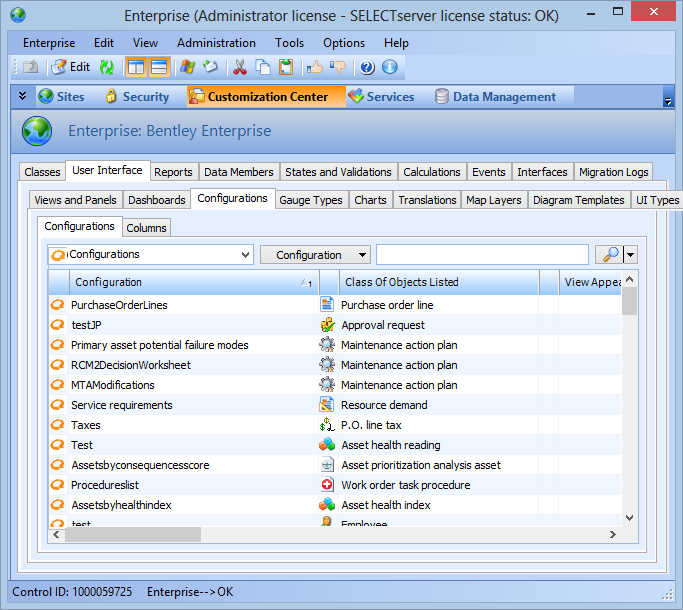
Select the Customization Center view, User Interface tab, Configurations tab, and then the Configurations tab.
Using the configurations for this table, you can view tables sorted in a variety of ways.
3.
Open a configuration to view information about it. For example, you can select the Usage tab to view personal configurations based on the current configuration and users who subscribe to the configuration.
Tip: You can view a list of your personal configurations in APM from the site’s Tools menu, Preferences option.