|
|


Creating a Manual Replenishment Requisition
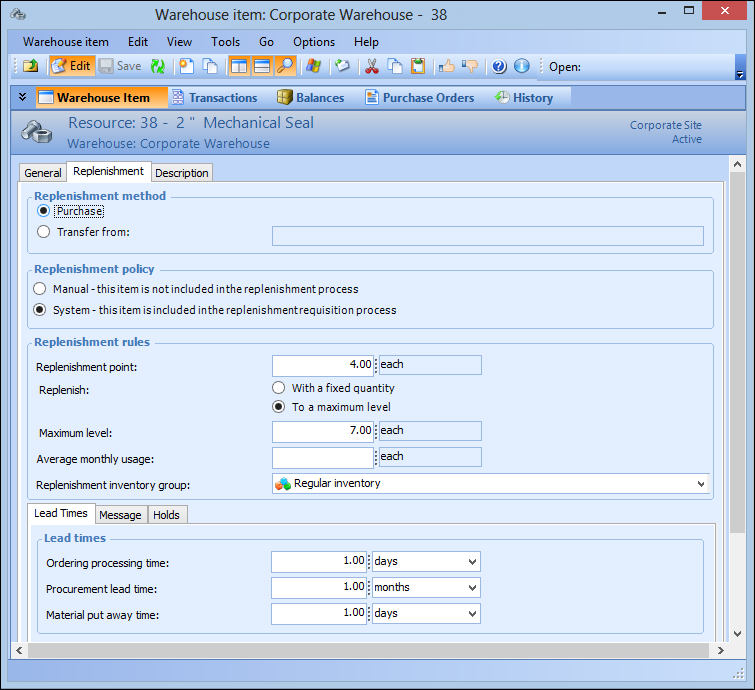
If selected on the supplier resource price (the Replenishment review not required option), purchase orders can be automatically created for warehouse items being replenished.For information on replenishing consignment resources, please see Replenishing Consignment Inventory Using Purchase Orders and Receipts or Replenishing Consignment Inventory Using Inventory Adjustments.This topic explains how to create a manual requisition for a warehouse item using manual review. To create replenishment requisitions for all automatically-reviewed items in a warehouse, please see Replenishing a Warehouse.To Create a Replenishment Requisition