|
Creating a Subreport
To Create a Subreport
1.
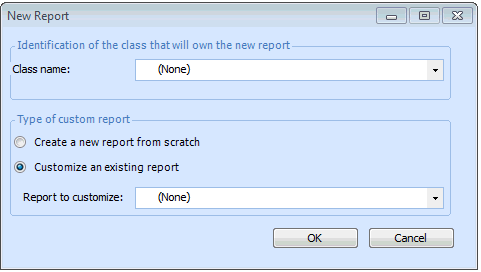
3. Click New Custom Report. The New Report dialog appears.
4. Select a Class name from the list.
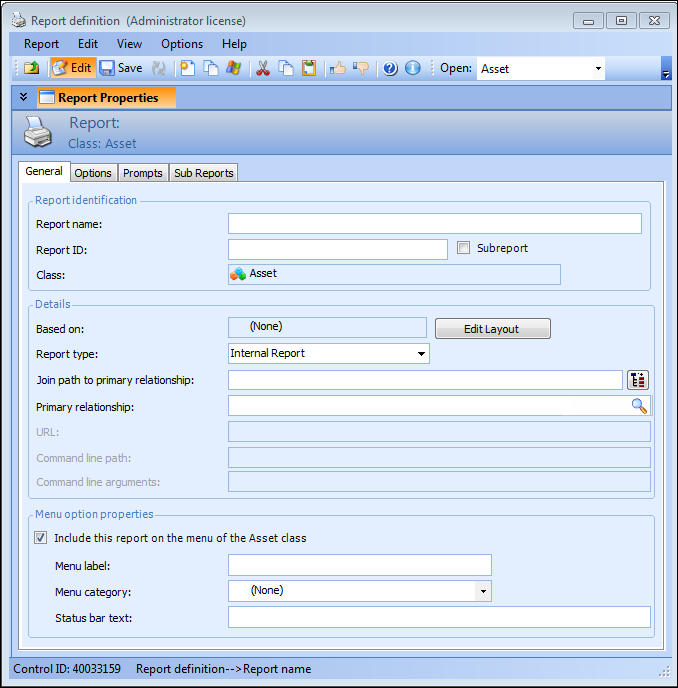
5. In the Type of custom report section, select Create a new report from scratch and click OK. The Report Definition window appears.
7. Select Subreport.
8. In the Primary relationship field, click the browse icon. In the Relationship Selector dialog, select the relationship for this subreport and click OK.
9. Save the report and then click Edit Layout to open the APM Forms Editor.
10. Tip: If the Join Path panel does not appear on the APM Forms Editor workspace, you can select it from the View menu, or you can select Reset Window Layout from the Window menu and confirm that you want to restore the default window layout for the environment.
11. From the Toolbox panel, Attributes tab, drag the attributes you want in the report into the Report Detail band.
12.
13. Save the report and close the APM Forms Editor.