
Viewing Serialized Resource Unit Details

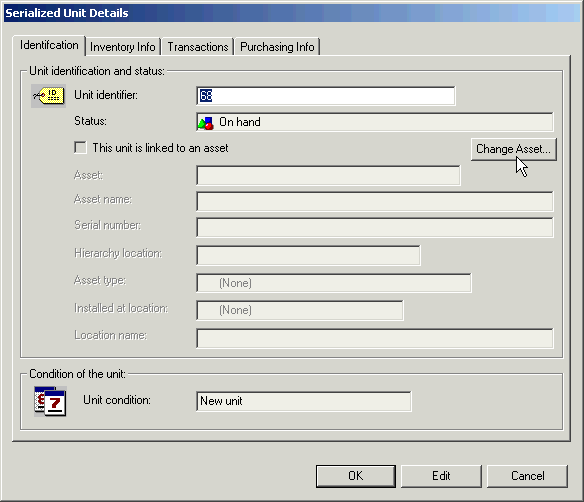
You can view a summary of details about a resource’s serialized units.

To View the Details for Serialized Units
1.
2.
From the site’s Resource Catalog view, select the Serialized Resources tab.
3.
From the configuration list, select Serialized material resources. The table on the left shows the serialized material resources for the site. The table on the right shows the units for the selected resource.
4.
5.
Click Close to close the Serialized Unit Details dialog.