Viewing a Resource’s Assets

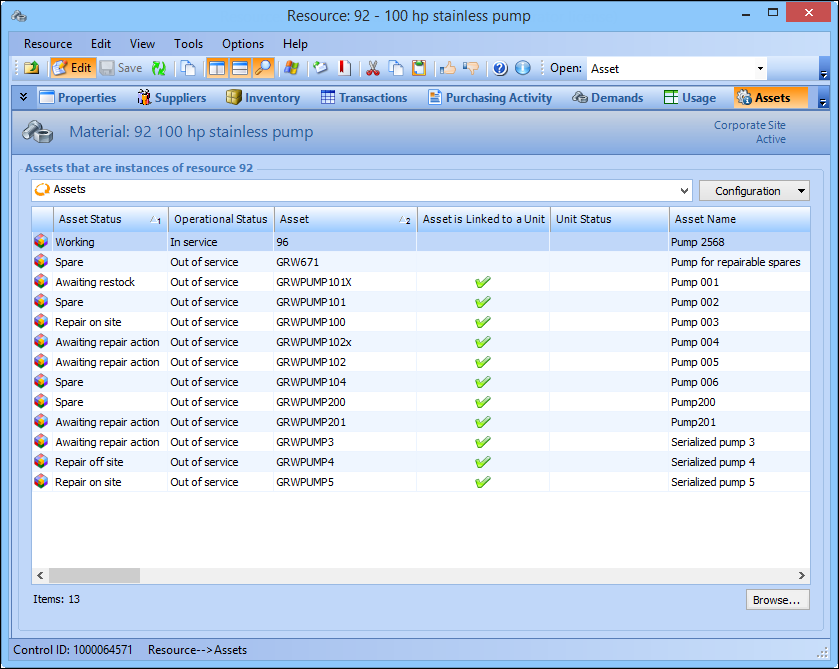
You can view information about the assets that are linked to a resource.
When you convert a resource’s balances to serialized units, you can check to see if all the assets for the resource are linked to a serialized unit.

To View a Resource’s Assets

1.
2.
Select the Assets view. This tab lists the assets linked to this resource. For example:
 
Tip: You can also select the Asset summary by asset status configuration view the list grouped by asset status.
3.