
Transferring Serialized Units Not Linked to Assets

To transfer a serialized unit that is not linked to an asset, you must create a warehouse transfer transaction. If you need to transfer serialized resource units that are linked to assets to another site, you must create an asset transfer document. For more information on creating asset transfer documents, see Creating an Asset Transfer Document.
Note: You cannot transfer materials between warehouses at different sites that use different currencies. If you want to do so, use two inventory adjustment transactions instead.
This topic explains how to create a warehouse transfer.

To Transfer a Serialized Unit Between Warehouses
1.
In the Site window, select the Resource Management view and then the Inventory tab.
2.
3.
Select the Transactions view, and then the Transfers From tab. This tab lists of all of the materials that have been transferred from the warehouse.
4.
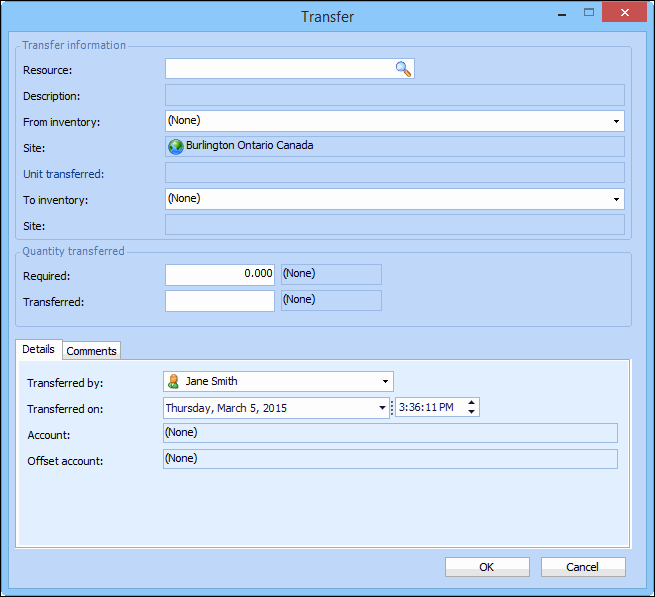
Click New. The Transfer dialog appears.
5.
6.
Select the Comments tab to enter any comments about the transfer.
7.
When you are finished entering information, click OK. APM posts the transfer and makes the appropriate inventory adjustments the warehouse inventory group that the item was transferred from.
8.
To complete the transfer, the receiving warehouse must create a transfer receipt transaction. See Receiving Transferred Serialized Units That Are Not Linked to Assets.