|
Linking Assets to Serialized Units From the Asset
To Link an Asset to a Serialized Resource Unit
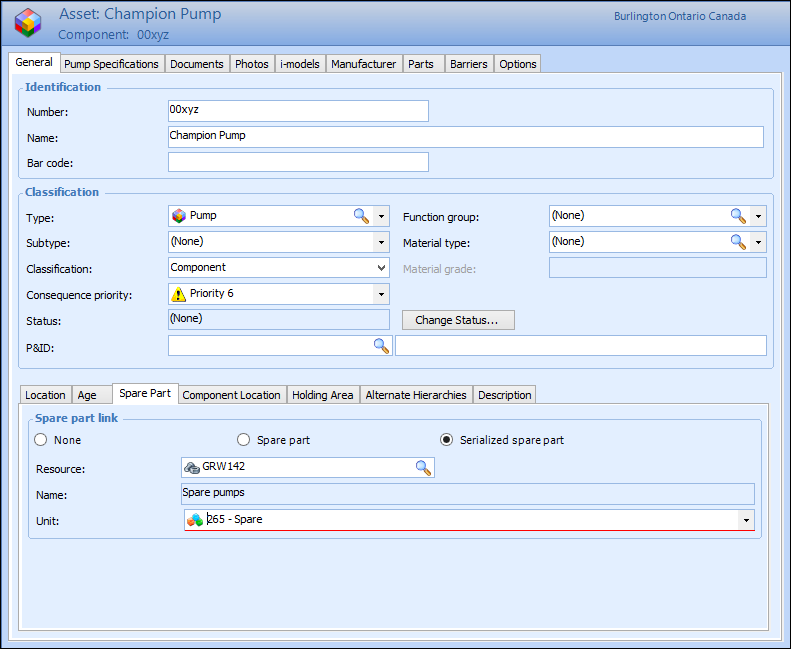
1. From the Site window, select the Assets view, then find and open the appropriate asset.
3.
To link the asset to a serialized resource unit, select the Serialized spare part option.
The number of the resource to which you want to link the asset. Click Browse to select the resource from the Resource Selector list, and then click OK.