Linking Multiple Assets to Non-serialized Resources

After you set up your repairable spare assets and your resources in APM, you should link the assets to the resource.
From the resource, you can select multiple assets that will reference the resource.

To Link Multiple Assets to a Non-serialized Resource

1.
From the site’s Resource Management view, select the appropriate resource, and then open it.
2.
3.
Select the Assets view. By default, a summary list of assets by asset status appears.
4.
Select the Assets configuration. A list of all assets linked to this resource appears.
5.
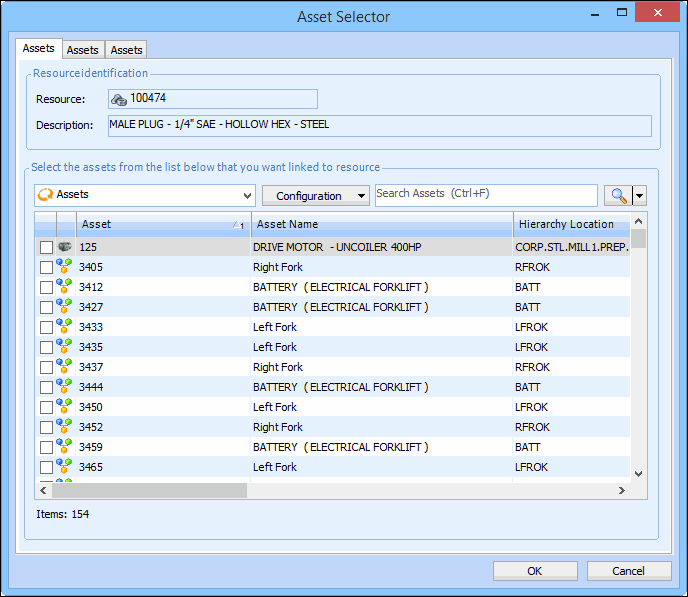
Click Browse. The Asset Selector dialog appears.
6.
Tip: You can filter or sort the list to quickly find the assets that you want to link. Right-click on a column and select one of the filter or sort options.
7.
8.