
Creating Shipping Transactions

You can use the shipping transaction when you send a serialized resource to a vendor for repair. A purchase order must exist for the repair.
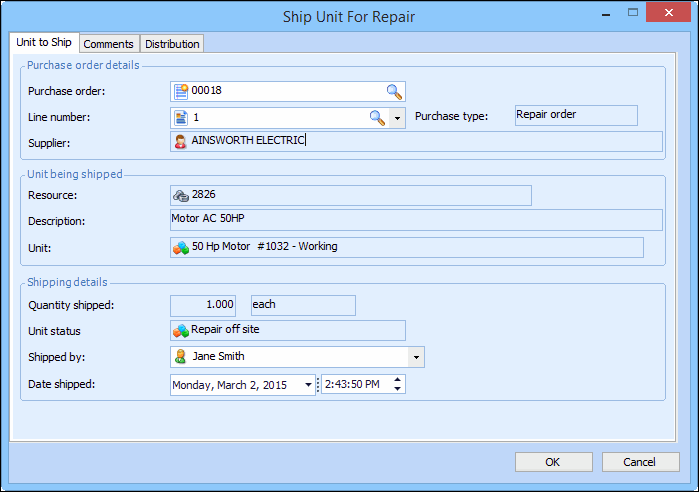
When you create the shipping transaction, the system changes the status of the shipped unit to “Repair Off Site.”

To Create a Shipping Transaction for an Off-site Repair
1.
2.
Select the General tab, and then the Lines tab. Right-click the purchase order line that you want to change and select Ship unit for repair. The Ship Unit for Repair dialog appears.
3.
4.
To create the shipping transaction, click OK. The system changes the status of the unit to “Repair Off Site.”