
Removing Sharing from a Table Configuration

If you are the owner of shared table configuration, you can remove its sharing. In doing so, the shared configuration is permanently removed from any shared user’s list.
Note that if your default configuration is a shared configuration and the owner deletes the configuration, the system will revert your default configuration to the first configuration in the list. You can then set a new default configuration.
This topic describes how to remove sharing from a table configuration that you own.

To Remove Sharing from a Table Configuration
1.
2.
Select the Sharing tab.
3.
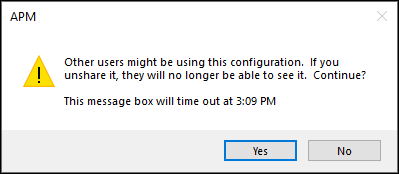
Clear the Share this configuration with other users option. A confirmation message appears:
4.
Click Yes to confirm. The configuration is removed from users’ lists.
5.
When you are finished, click OK to close the Configuration dialog.