
|
Releasing All of a Work Order Task’s Holds
If a hold has the option Only [employee name] is allowed to modify or manually release this hold selected, only the hold creator, or employees with special authority can release the hold.To Release All Holds on a Work Order Task
1.
2. Select the Tasks tab. Find the work order task that you want to release.
3. Right-click the task and select Holds and then Release All. The system displays a confirmation message.
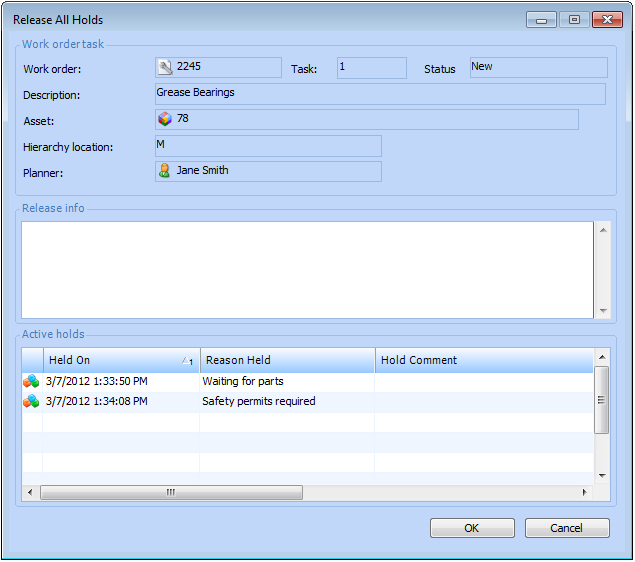
4. To release the holds click Yes. The Release All Holds dialog appears. The Active Holds table shows all of the holds currently in effect for the work order task.
7. Click OK. The system releases the holds.