|
Scales and Calibration for Gas Management
Before setting up a scale asset, create or update asset types to include scale information for gas tracking. See **Setting up Asset Types.To Create a Scale Asset
1.
2.
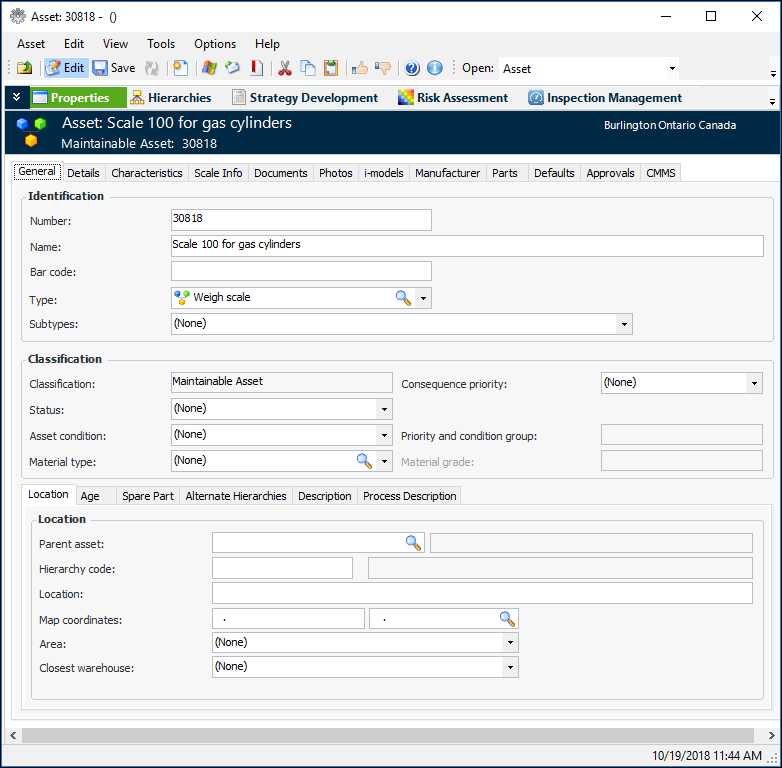
4. In the Type list, select an asset type that has the setting “Assets of this type are used as scales for measuring gas container weight”. The Asset window changes accordingly. For example:
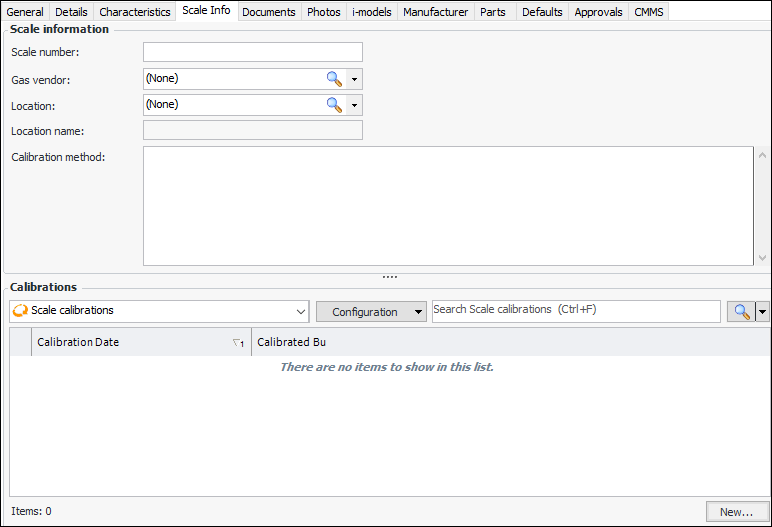
5. Select the Scale Info tab.
For detailed information about setting other options on the asset, see Creating a Maintainable Asset.To Record a Scale Calibration
1. In the Site window, select the Regulated Gas Management view and the Calibrations tab. This tab lists calibrations by date.Tip: You can also open the Asset window for a scale, select the Scale Info tab, and click New at the bottom of the calibrations table.
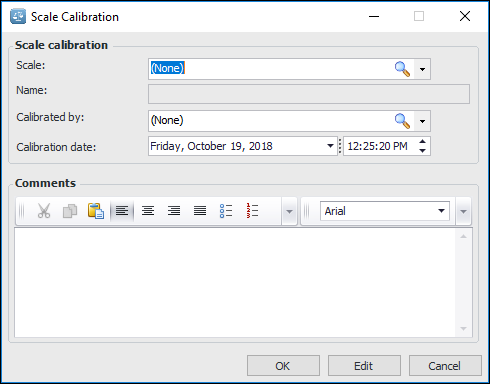
2. Click New. The Scale Calibration window appears. For example:
4. You can add more information in the Comments box.
5. Click OK. The window closes and the calibration is added to the tab.