|
Creating Gas Emergency Events
To Create a Gas Emergency Event
1.
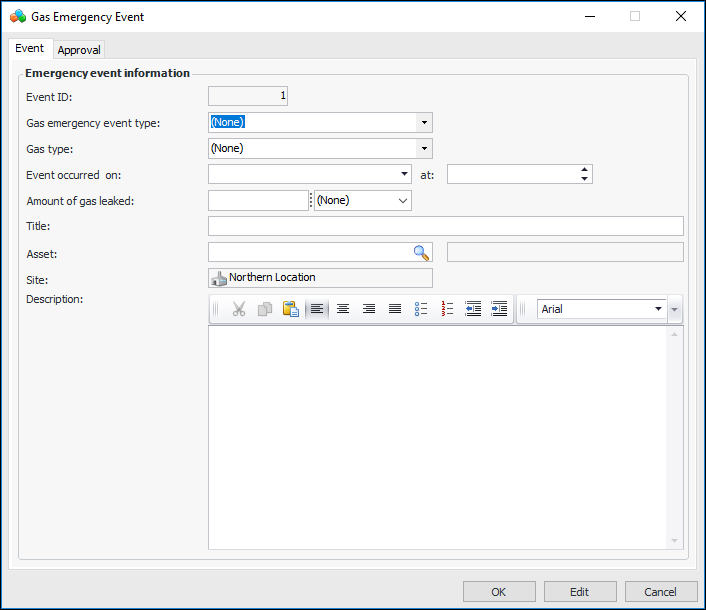
2. Click New. The Gas Emergency Event window appears:
4. You can add more information in the Description box.
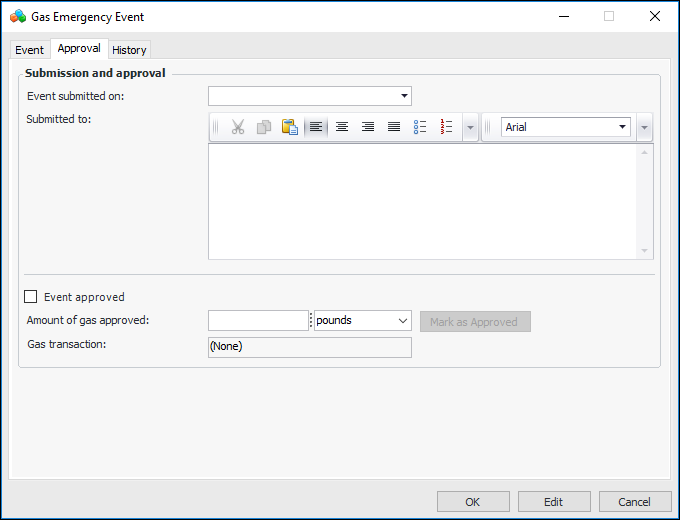
5. Select the Approval tab.
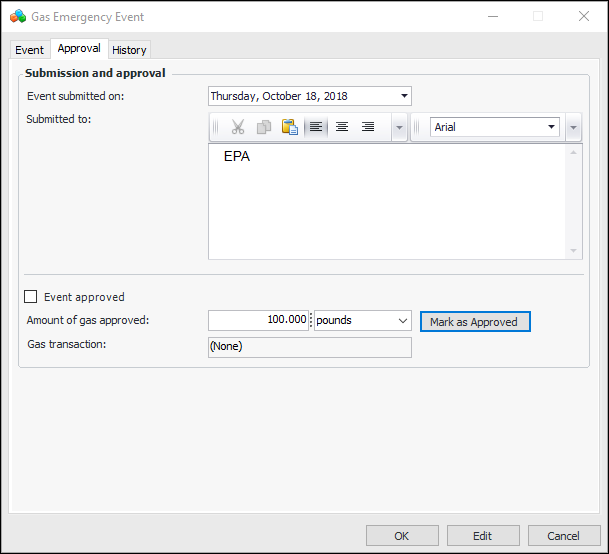
7. In the Submitted to box, record information about the regulatory body.
8. Click OK. The window closes and the event is added to the tab.To Mark an Emergency Event as Approved
1.
3.
4. Enter the amount of gas that was approved. The Mark as Approved button becomes available. For example:
5. Click Mark as Approved. The window changes accordingly. For example:
6. Tip: In the Gas Emergency Event window, you can select the History tab to view actions performed on the emergency event.
8. When you are finished, click OK to save the event and close the window.