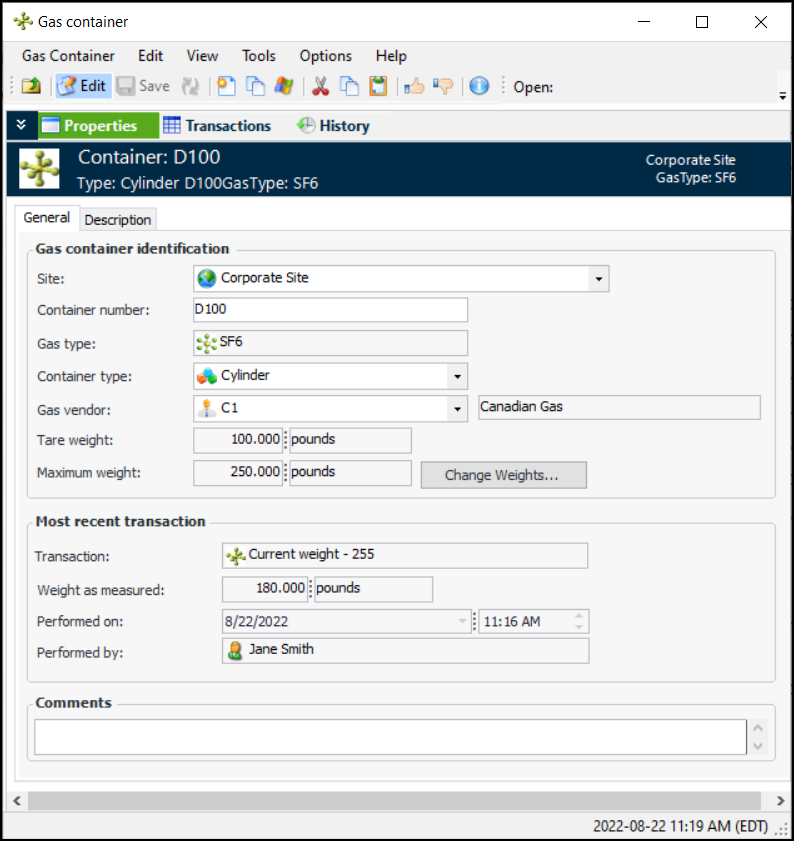
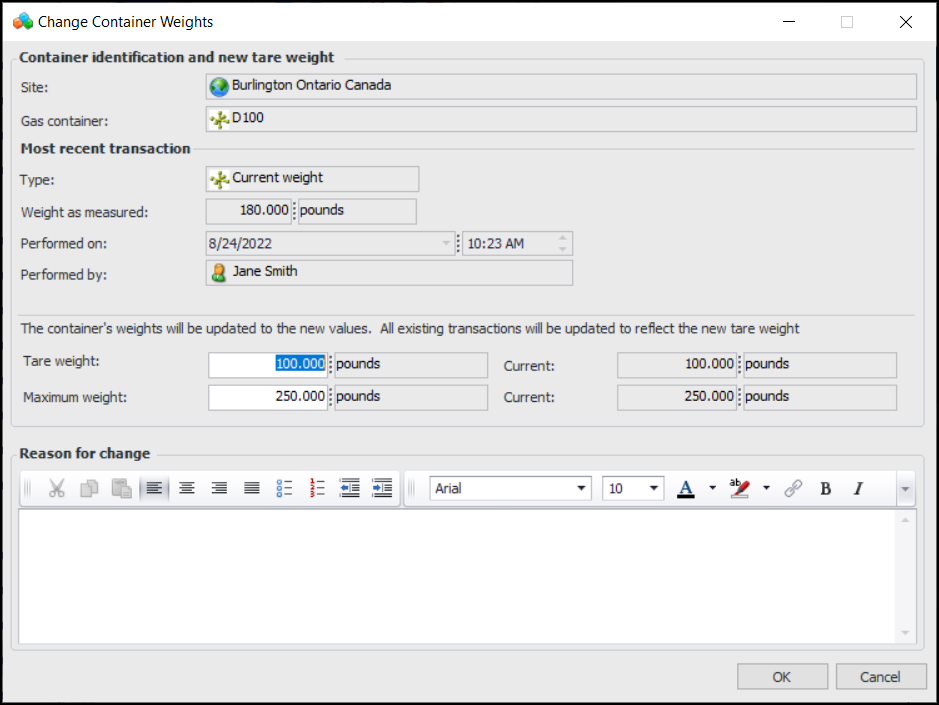
Concepts Tasks Settings Changing a Gas Container’s Weights If the container’s tare or maximum weight was entered incorrectly and transactions have been processed against it, you can use the Change Weights function to correct the error. The gas weight will be recalculated on all of the container’s transactions in chronological order. To Change a Gas Container’s Weights 1. In the Site window, select the Regulated Gas Management view and the Containers tab. 2. Double-click the container to open the Gas Container window. 3. Make sure that editing is enabled. 4. Click Change Weights. The Change Container Weights dialog appears: 5. Change the tare and/or maximum weight and enter a reason for the change. 6. Click OK. The dialog closes and all previous transactions are recalculated.



 is enabled.