Two Ways to Access RSS Analyses

APM provides two ways to access analyses: from the site’s or the asset’s Strategy Development view. The views provide different types of information.
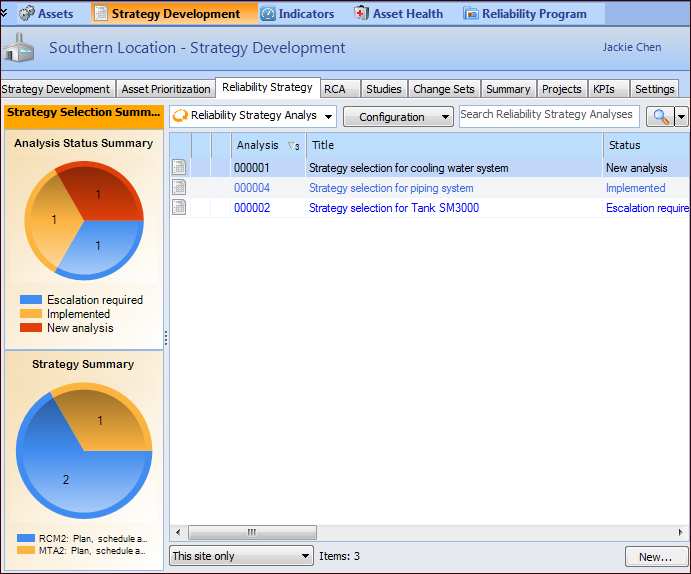
The Site window, Strategy Development view contains tabs that allow you to review all of the site’s reliability strategy selection analyses. For example:
Tip: The summary charts shown in this example are set up as sidebar dashboards and assigned to employees. For more information, see Dashboards.
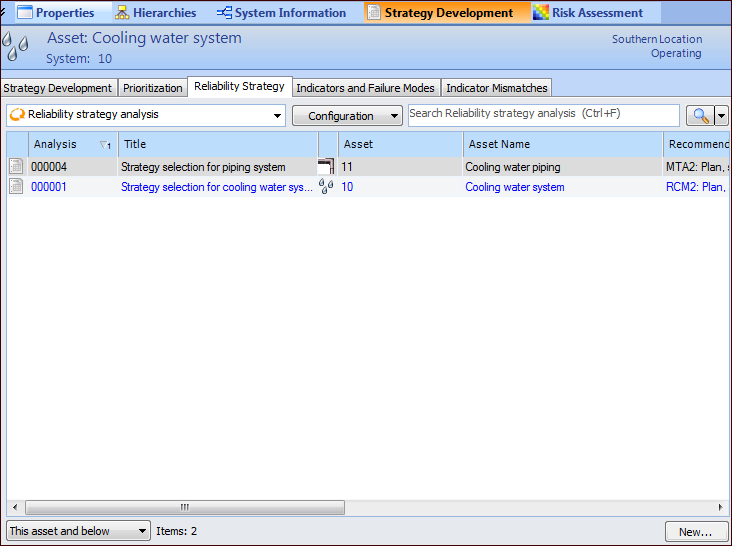
On the Asset window, Strategy Development view, Reliability Strategy tab, you can view the reliability strategy analyses performed on the asset, including the recommended strategies and their statuses. For example:
You can also click New to create an RSS analysis.