Adding Follow-up Work to RCM2 Action Plans

For all types of recommended actions, you can do one of the following, depending on whether APM is configured to interact with AssetWise Enterprise Interoperability (AWEIS), SAP Plant Maintenance, or neither. The site’s interoperability profile specifies whether SAP (CMMS system), APM, or AWEIS work documents are used:
Tip: To view consolidated information about an analysis’ action plans, failure modes, recommended actions, corrective tasks, and indicators, select the Implementation view in the Strategy Development Analysis window.
Note: You cannot add follow-up work to action plans on an analysis template.
This topic explains how:

To Add APM Follow-up Work to an Action Plan

1.
2.
3.
On the Primary Action Plan tab, select the Follow Up tab.
4.
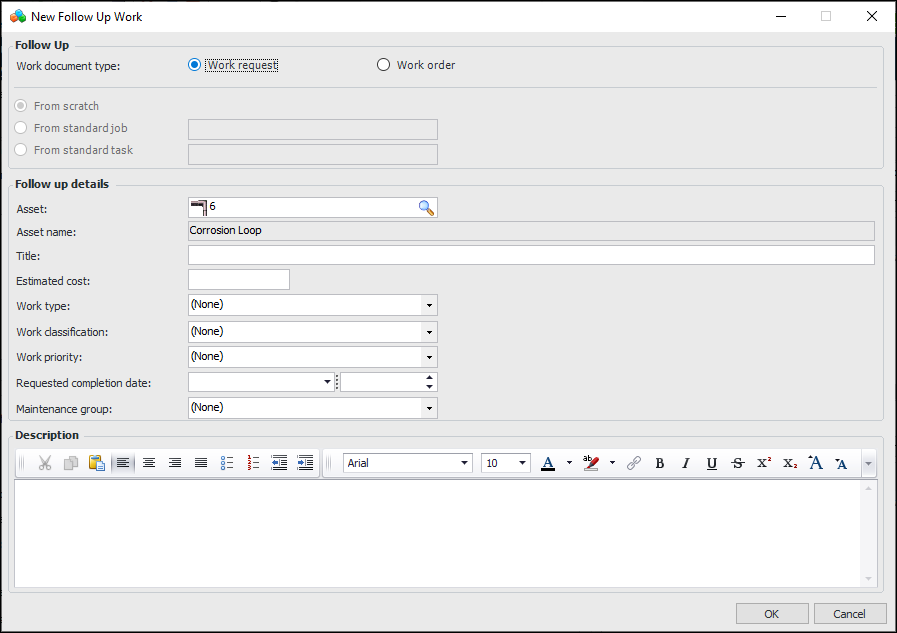
Click New. The New Follow Up Work dialog appears.
5.
6.
Click OK. The document is added to the appropriate table in the Follow Up tab. The Work Order Task or Work Request window appears, where you can define the document.
For more information, see Creating a Work Request and Creating Work Orders and Tasks.

To Add AWEIS Follow-up Work to an Action Plan

1.
2.
3.
On the Primary Action Plan tab, select the Follow Up tab.
4.
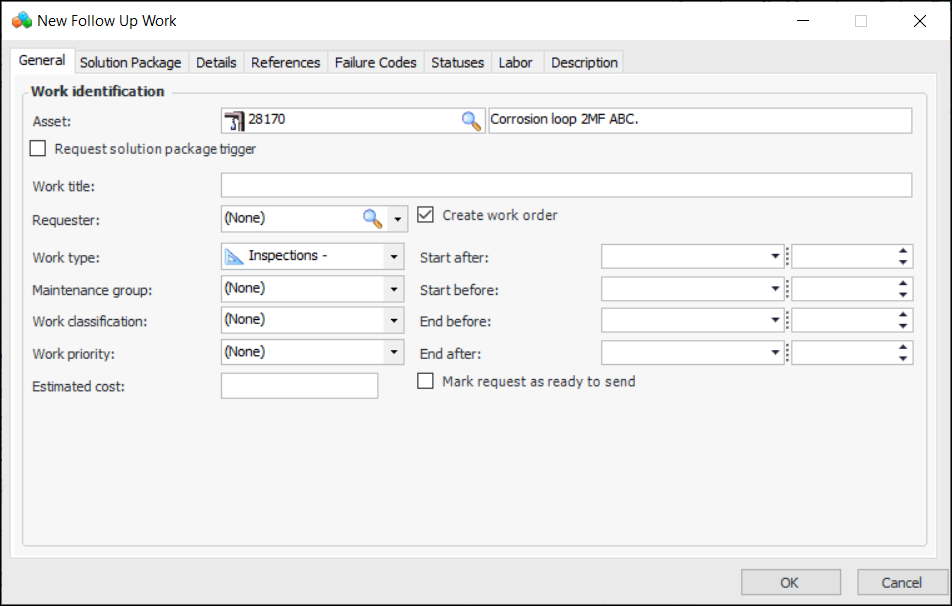
Click New. The New Follow Up Work dialog appears. For example:
For more information, see Creating a Request for Work from Scratch.

To Add SAP Follow-up Work to an Action Plan

1.
2.
3.
On the Primary Action Plan tab, select the Follow Up tab.
4.
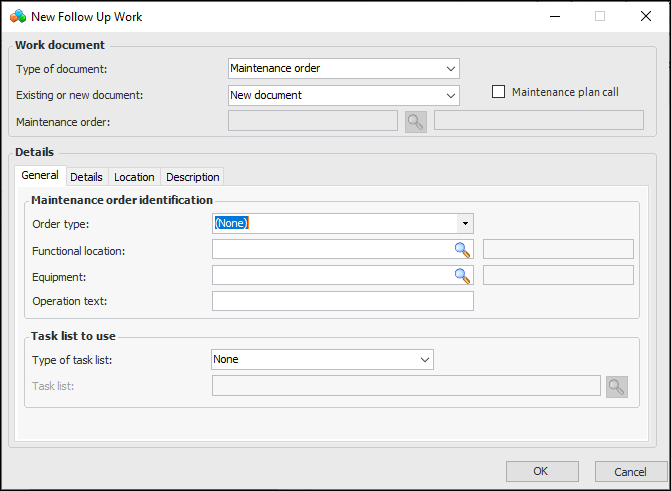
Click New. The New Follow Up Work dialog appears.
5.
6.
Select the SAP document and click OK. The document information is displayed in the New Follow Up Work dialog.
7.
The default maintenance order or notification type is specified in the site’s interoperability profile. You can select a different type, if needed.
If the failure mode’s asset (or one of the asset’s ancestors in the hierarchy) is linked to a SAP functional location, equipment, or both, the information is displayed in the dialog. If both a functional location and equipment are selected, the functional location’s information is defaulted. You might also be able select these SAP objects if they are not defaulted from the asset.
The following information from the functional location or equipment is displayed:
The site’s interoperability profile determines which default values you can change for the new document.
8.
9.
When you click OK, the document is added to the table in the Follow Up tab. The document is created in SAP and its number and title are returned to the record in APM.