Recording Team Meetings on an RCA

Use the meeting note feature to record meeting minutes, attendees, and checklist items for future reference. This topic explains how to use the meeting note feature.

To Record Meetings on an Analysis

1.
Open the analysis, select the Properties view and the Meetings tab. This tab lists existing meeting notes.
2.
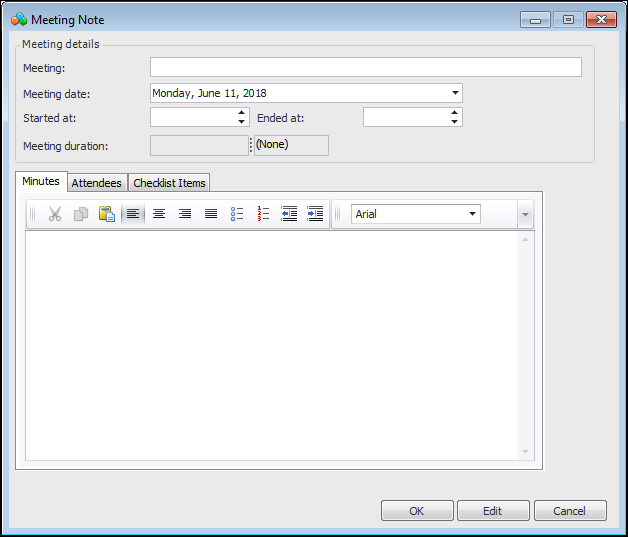
Click New. The Meeting Note window appears.
3.
4.
On the Minutes tab, record your notes for the meeting.
5.
The Attendees tab displays the analysis team members. You can select the attendees and the meeting facilitator.
6.
The Checklist Items displays the list of “things to do” for the analysis. You can mark checklist items as Performed and provide comments for them.
7.
Click OK to close the window. The Meetings tab displays the meeting title and date.