|
Defining the Problem
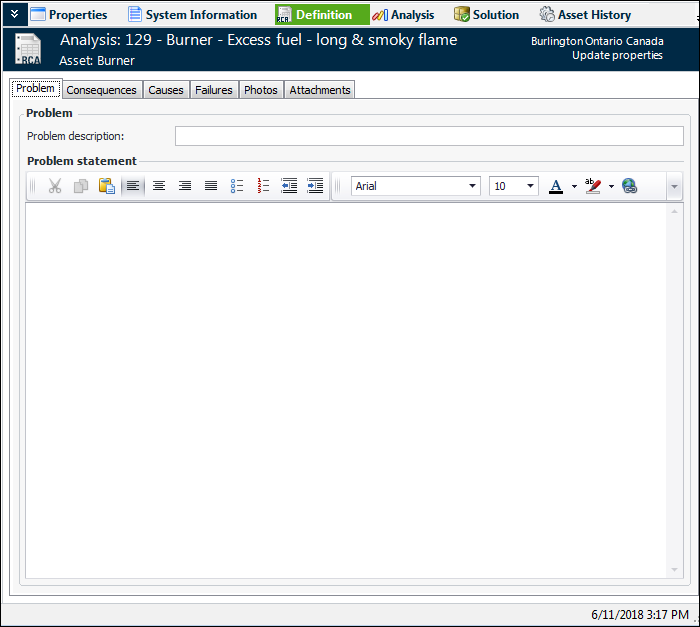
In the RCA window, the Definition view allows you to document the problem by entering a problem description and statement. You can add failures, review failure consequences, and augment the definition by attaching documents, photographs, and so on.For a reactive analysis based on one or more failure records, the Consequences tab displays the result of the RCA evaluation. The Failures tab lists the original failures. You can add related failure records and evaluate failure consequences using these tabs.Evaluating Failure Consequences
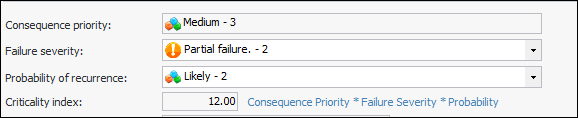
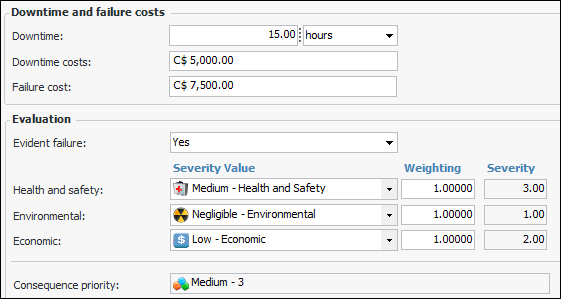
Using the Definition view, Consequences tab, you can evaluate the primary failure’s suitability for root cause analysis based on its criticality index. The evaluation produces one of these recommendations:Consequence Priority
Note: If the failure references a failure mode, severity values are copied from the failure mode’s risk analysis to the failure’s Consequences tab.Criticality Index
Recommendation
Updating the Failure Analysis Status
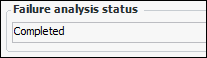
The value is shown in the Failure analysis status box:To Add Failures to an RCA
1.
2. Click Browse. The Browse Failures for RCA dialog lists failures with the status “RCA required” or “RCA recommended”. To view all failure records, select “Failures” in the configuration list.
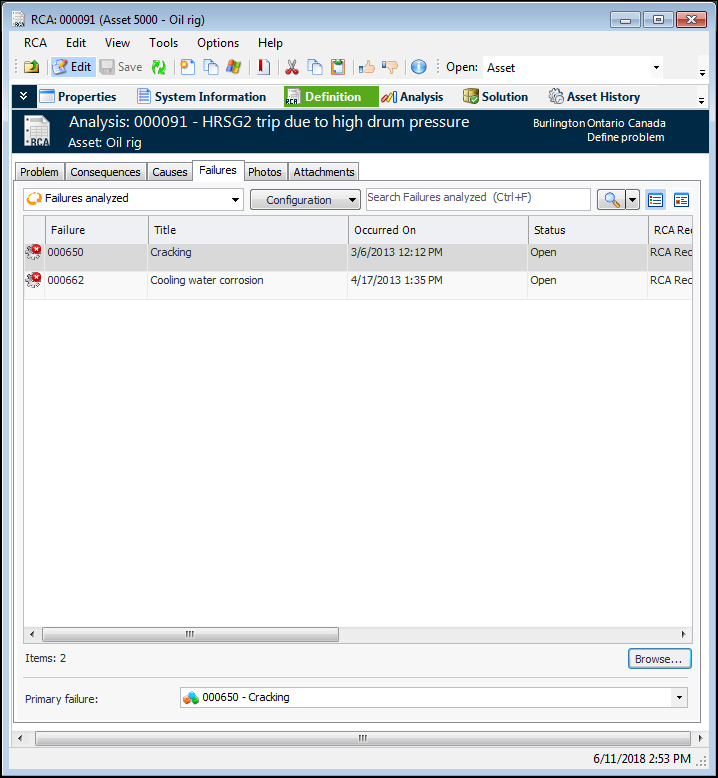
3. Select the failures to add to the RCA and click OK. The failures are added to the table. For example:
4. By default, the first failure is designated as the primary one. You can select a different failure in the Primary failure list. The primary failure’s information is displayed in the Consequences tab. Its failure description is listed as the problem in the RCA diagram.Tip: You can also view the failures’ consequence evaluations on the Failures tab. Select “Consequences analysis” from the list of configurations.To Evaluate Failures for RCA
1.
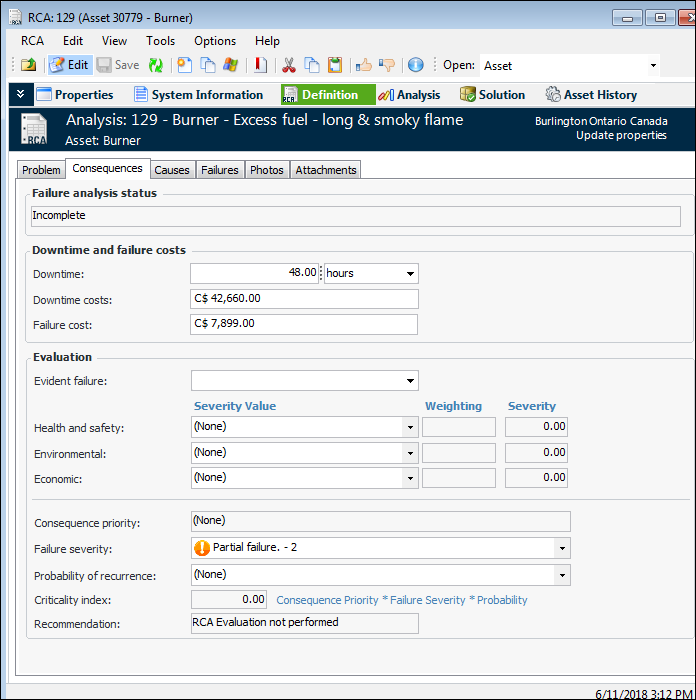
4. In the Evaluation area, provide the information needed to arrive at a recommendation:
• Total: the asset’s performance has decreased to a point where the asset is no longer performing at its required level. The asset has completely failed.
• Partial: the asset’s performance has decreased to a point where it is no longer performing one of its functions at the specified levels. The asset is still functioning.
• Potential: a condition that has been noticed that would result in an actual failure if the problem is not resolved. The actual failure has not yet occurred. Potential failures are normally reported as the result of an indicator reading that has raised a warning alarm against the asset.
To Update the Failure Analysis Status
The value in the Failure analysis status box changes accordingly.To Document the Problem
1.
3. Select the Photos tab to add inspection photographs. For more information, see Adding Inspection Photographs to Objects.
4. Select the Attachments tab to add files, folder, notes, and URLs to the analysis.