|
|


Developing Primary RBI Action Plans
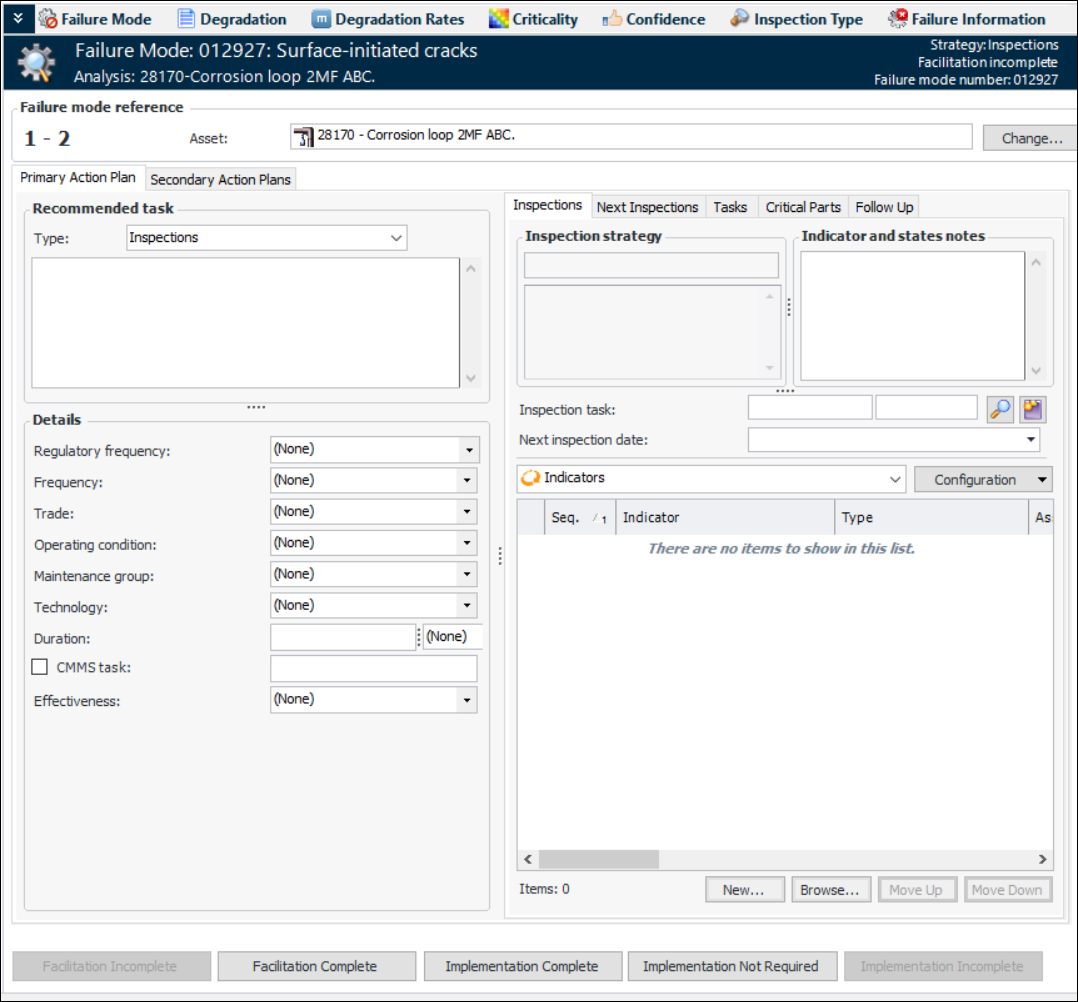
Tip: If you performed risk analysis or a feasibility evaluation on the failure mode, the resulting recommended task and related information appear in the Implementation view, Primary Action Plan tab. You might not be able to change the task type, but you can develop the action plan as needed.This topic explains how to develop action plans from the Maintenance Action Plan window using the Implementation view, Primary Action Plan tab.Tip: You can also quickly add action plans from the Strategy Development Analysis window’s Implementation view, Action Plans tab. Select a failure mode in the table view and press F2 to open the row for editing. Press Tab to move to the next editable field. When you are done, press Enter to close the table to editing.To Develop Action Plans
 is enabled.