Adding Standard Documents to RBI Action Plans

Any primary or secondary action plan that recommends modification or redesign of the asset can have one or more standard documents assigned to it. For example, if a one-time modification is to train trades people to perform a new task, you can attach a standard document that describes the training prerequisites, objectives, and evaluation methods.
Besides linking a standard document to a modification, you can browse existing standard documents to link to action plans or create standard documents from within an action plan.
Note: For information about adding documents to APM, see Creating a Standard Document.
This topic explains how:

To Link a Standard Document to a Modification

1.
2.
3.
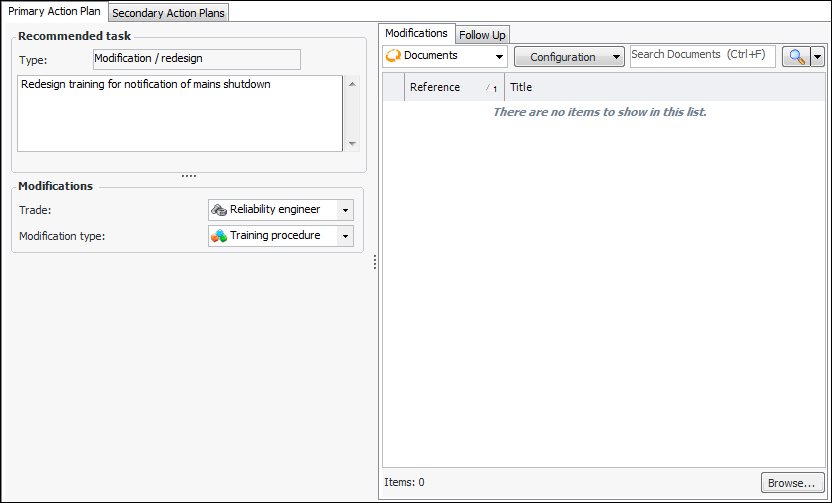
Select the Implementation view and the Primary Action Plan tab.
Note: The recommended task type must be Modification/redesign if you wish to assign a standard document to it.
4.
On the Modifications tab, click Browse. The Standard Document Selector dialog appears.
5.
6.
Click OK in the selector dialog. The document is added to the Modifications tab.

To Add a Standard Document to a Maintenance Action Plan

1.
2.
Select the Details view and the Documents tab.
3.
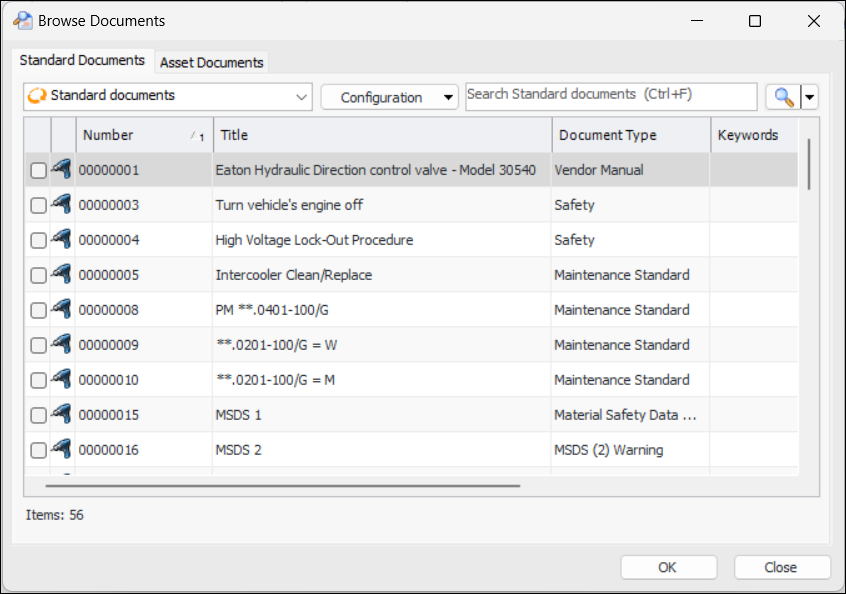
To link the action plan to an existing standard document, click the New list at the bottom of the tab and then click Browse. The Browse Documents dialog appears. For example:
4.
Select as many documents as you wish and click OK. The documents are added to the Documents tab.
5.
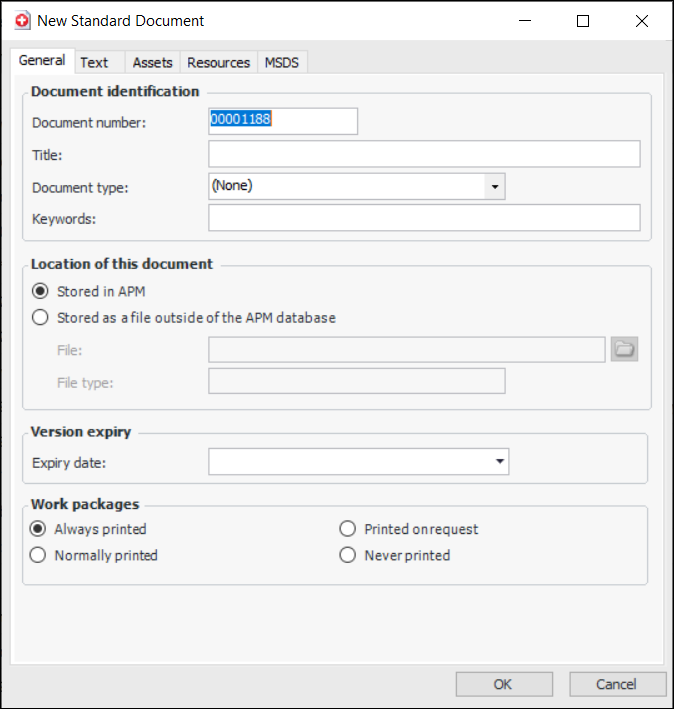
To create a standard document, click the New list at the bottom of the Documents tab and click New Document. The New Standard Document dialog appears. For example:
6.
7.
When you click OK, the document is added to the Documents tab.