
|
Creating Secondary RBI Action Plans
Tip: The Action Plans view in the analysis window lists the action plans for each failure mode. The Action Plan Type column indicates whether the action plan is primary or secondary.To Create a Secondary Action Plan
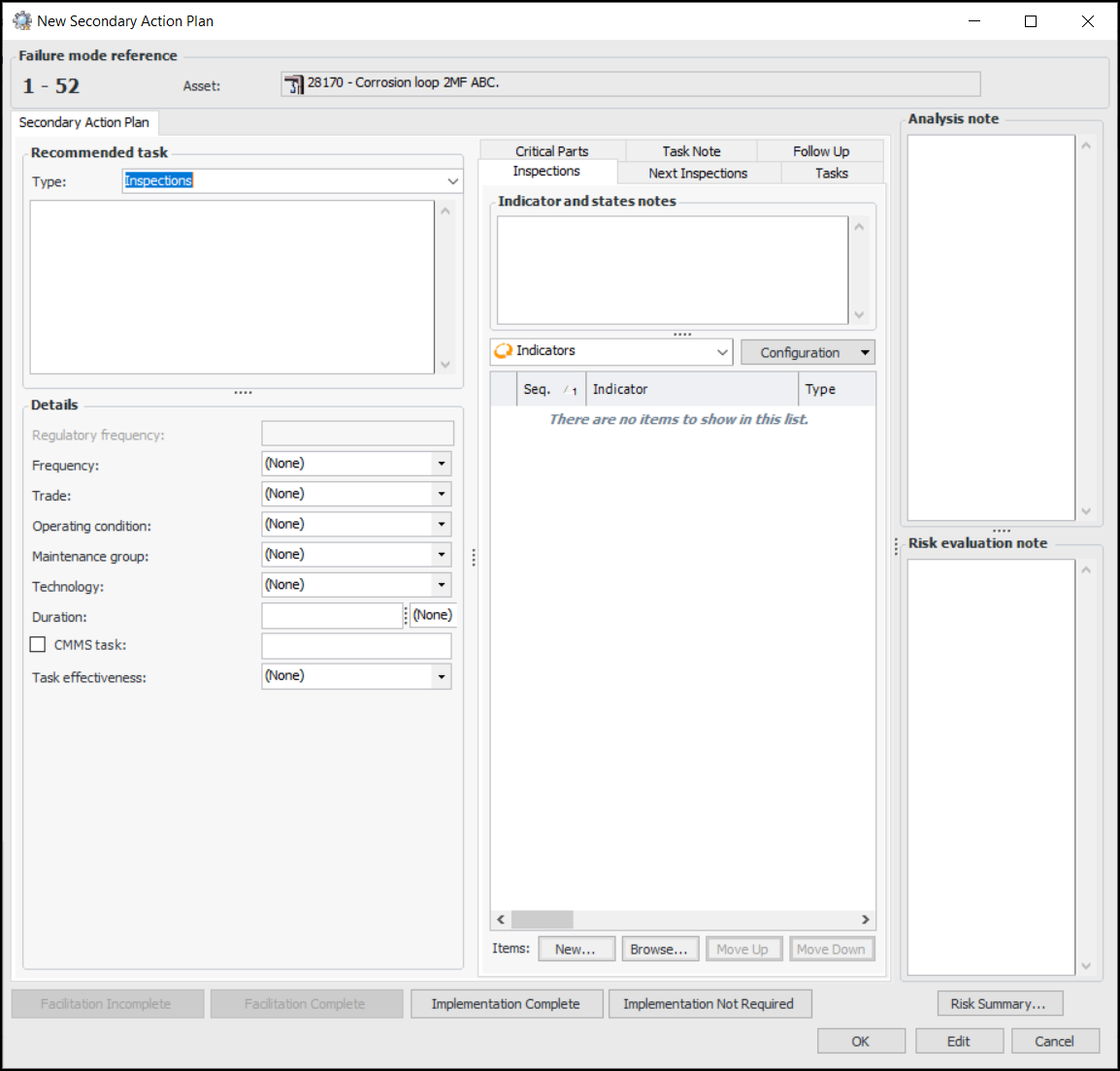
1. Open the Maintenance Action Plan window and select the Implementation view and the Secondary Action Plans tab.
2. Click New. The New Secondary Action Plan window appears:Tip: If an inspection strategy has been assigned to the failure mode, the strategy and its description are displayed on the Inspections tab.Tip: Click Risk Summary below the Risk evaluation note box to view the primary action plan’s risk summary and confidence evaluation.Note: If APM is configured to interact with a SAP Plant Maintenance system, System condition and Work center are available in the Details area.
5.