Recording Benefits Achieved

When creating a project, you can enter targeted benefits and justifications for it. As a post-project activity to follow up with the documented targeted benefits, record the actual benefits achieved. Comparing the targets with actual benefits helps to determine the success of the project.
For information about entering project justifications see Defining Project Justifications and Expected Benefits.
This topic explains how:

To Record Benefits Achieved

1.
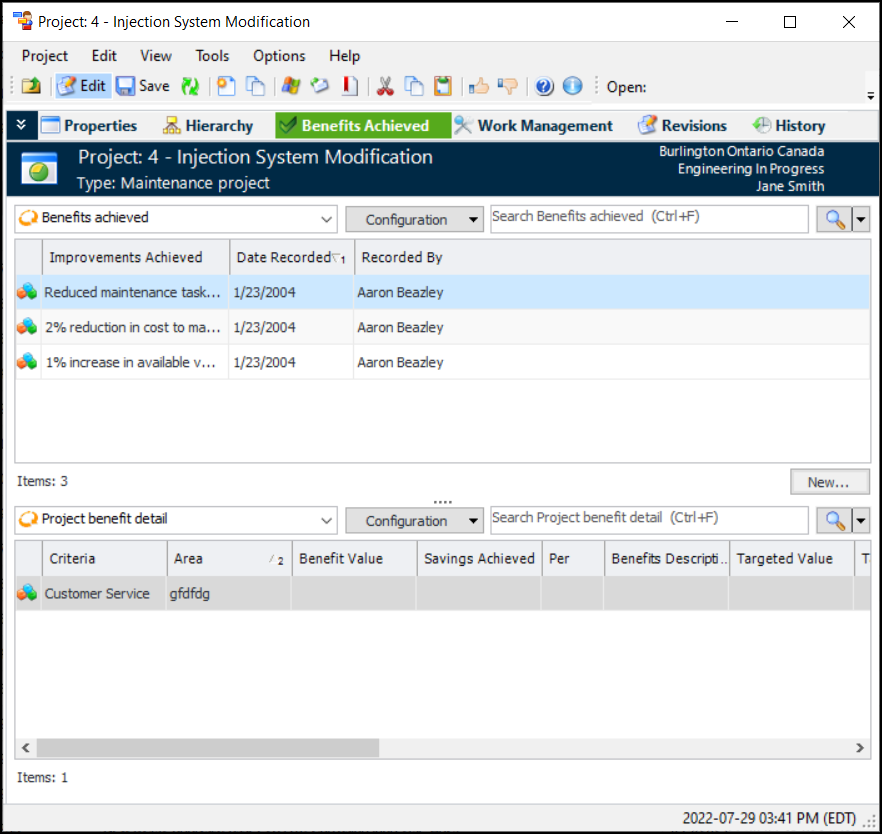
In the Project window, select the Benefits Achieved view.
2.
3.
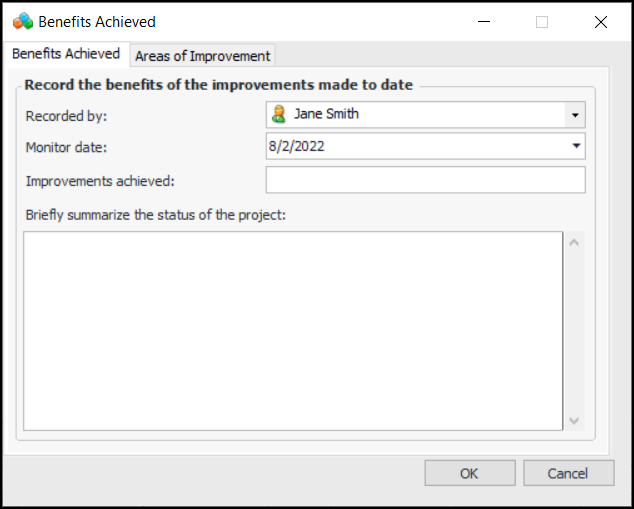
Click New to enter a benefit achieved. The Benefits Achieved dialog appears.
4.
5.
Click OK to save the benefit or continue and record an area for improvement that is linked to criticality.

To Record a Benefit in an Area for Improvement

During the planning of your project you might have named a targeted Area for Improvement. Areas of improvement are tied to criticality criteria, and the area for improvement must be defined for that criteria.
1.
On the Benefits Achieved dialog, select the Areas of Improvement tab.
2.
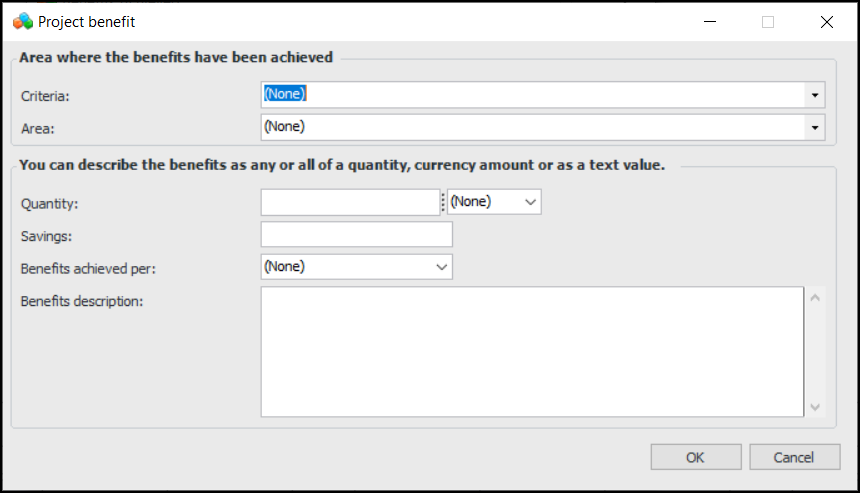
Click New. The Project Benefit dialog appears.
3.
4.
5.