|
|


Creating Work Requests for Projects
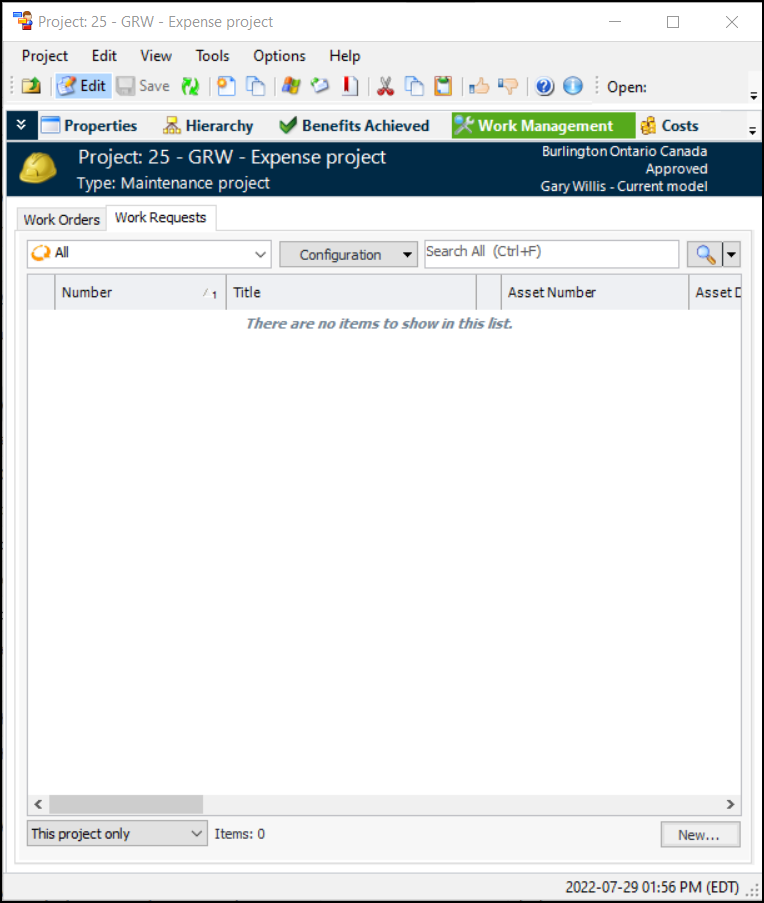
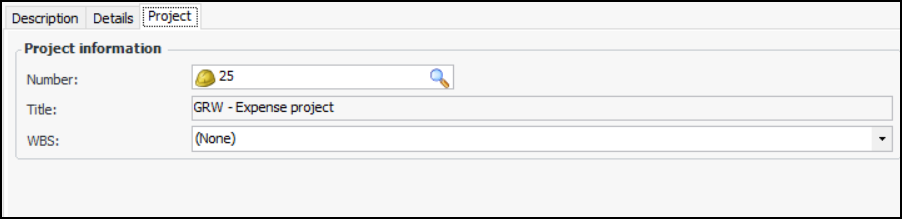
This topic explains how to create a work request from a project and add the WBS. For detailed information about creating work requests, see Creating a Work Request.Tip: Work requests can also be created from the site, asset, or anywhere you can create a work request. Simply reference the project on the work request (Properties view, Project tab).To Create a Work Request for a Project
 is enabled.