|
Viewing Production Loss Summaries
To View Production Loss Summaries
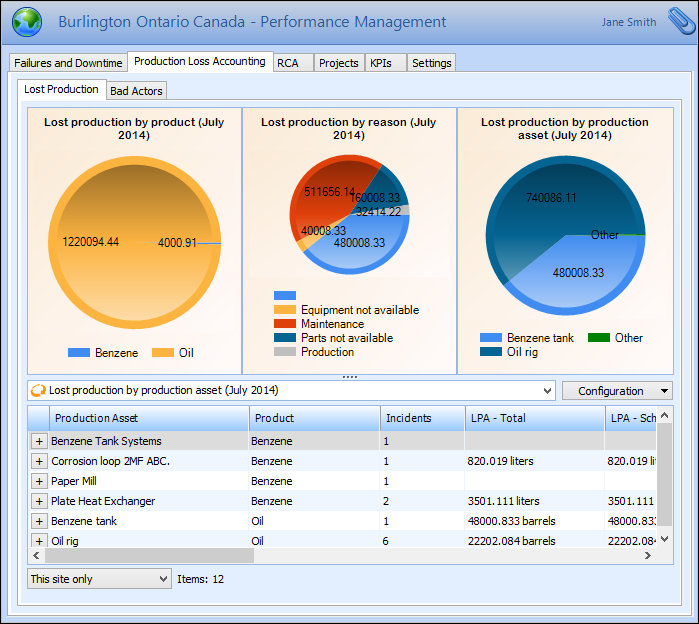
1. From the Site window, select the Performance Management view, Production Loss Accounting tab, and then the Lost Production tab. A summary of lost production data is displayed. For example:
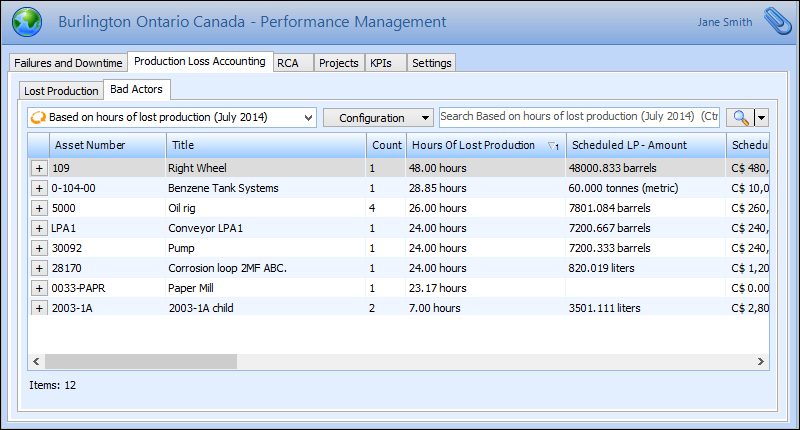
2. On the Bad Actors tab, you can select from several configurations to view current and previous month summaries of the assets that contributed to the lost production. For example: