Setting up Freight Terms

You can enter the standard freight terms that you have negotiated with your suppliers (for example, pre-paid or cash-on-delivery). Once they are entered here, you can select the appropriate term for supplier resources.

To Set up Freight Terms

1.
From the Site window, select the Administration menu and then Purchasing Management Settings. The Purchasing Management Settings dialog appears.
Tip: You can also access purchase management settings from the Site window by selecting the Purchasing view, Settings tab, and the Purchase Order Management Settings node in the tree.
2.
Select the Freight Terms tab. This tab shows a list of freight terms.
3.
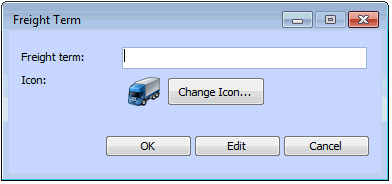
Click New. The Freight Term dialog appears.
4.
5.
Repeat steps 3 and 4 for each freight term you use.