
|
Setting up Contract Types
To Create Contract Types
1. From the Site window, select the Administration menu and then Purchasing Management Settings. The Purchasing Management Settings dialog appears.
2. Select the Contract Types tab.
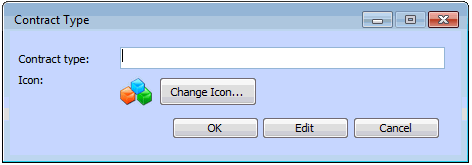
3. To create a contract type, click New. The Contract Type dialog appears.
5. Click OK. The new contract type is added to the list.
6. Click OK to close the dialog.