
Defining the Reasons for Changing Supplier Status

You can define the common reasons for users to change a supplier’s status. Users will select these reasons when they are:

To Define Reasons for Changing Supplier Status
1.
From the Site window, select the Administration menu and then Purchasing Management Settings. The Purchasing Management Settings dialog appears.
2.
Select the Suppliers tab and then the Status Change Reasons tab. This tab shows the current list of reasons.
3.
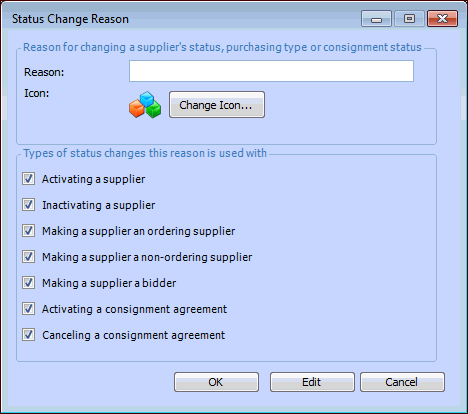
Click New. The Status Change Reason dialog appears.
4.
Enter the Reason description.
5.
6.
7.
Repeat steps 3 to 6 for each reason that you need to create.