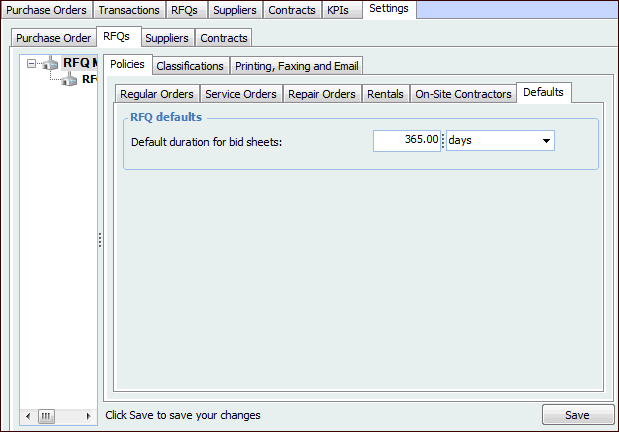
Concepts Tasks Settings Setting the Default Duration for RFQs You can set the default duration for catalog price RFQs. This duration sets the default expiry date when creating a new catalog price RFQ. If necessary, users can change the expiry date on individual RFQs. To Set the Default Duration 1. From the Site window, select the Purchasing view, the Settings tab, and then the RFQs tab. Select the RFQ Management Settings node in the tree. 2. Click Edit to modify the site settings. The Edit button is replaced by the Save button. 3. Select the Defaults tab, and enter the Default duration. 4. When you are finished, click Save.