Defining Supplier Address Types

Suppliers can have multiple addresses. For example, you might want to record a supplier’s shipping address, payment address, or an old address.
Before creating multiple addresses for your suppliers, you should define the types of supplier addresses that you are recording.

To Define Supplier Address Types

1.
From the Site window, select the Administration menu and then Purchasing Management Settings. The Purchasing Management Settings dialog appears.
2.
Select the Suppliers tab and then the Address Types tab. This tab shows the current list of address types.
3.
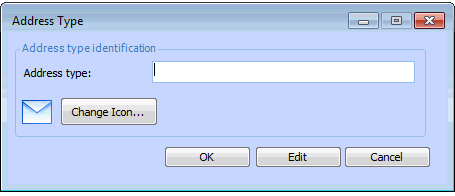
Click New. The Address Type dialog appears.
4.
Enter the Address Type description, and then click OK.
5.