|
|


Defining Project Justifications and Expected Benefits
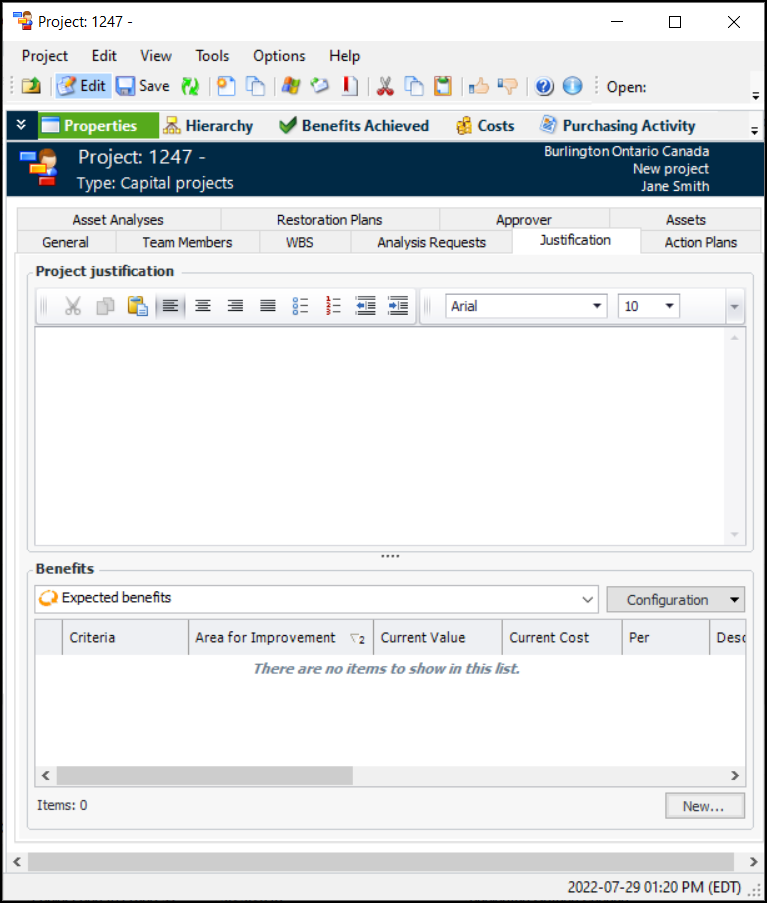
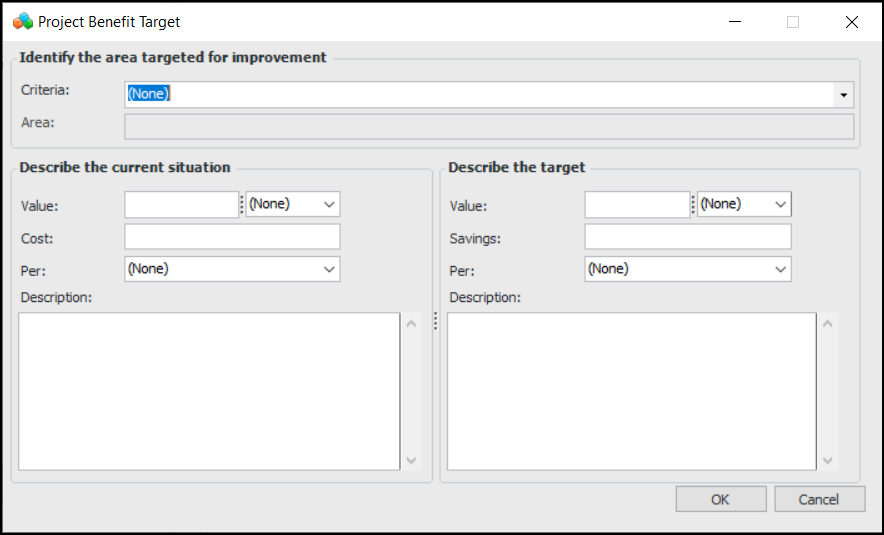
Expected benefits are intended for use with projects whose purpose is to improve the criticality rating of particular assets. To use this feature, you must have improvement opportunities defined for your criticality criteria because they are referenced on the benefit. For more information, see Defining Improvement Opportunities.Note: This information is visible if the project type allows project justification. If the Justification tab is hidden, you can enable it if you have the required security profile. For more information, see Setting up Project Types.To Define Project Justifications
To Define Expected Benefits
 is enabled.