|
Reviewing Upcoming Work
To Review an Asset’s Upcoming Work
3. On the General tab, double-click a work order task to open it. The Work Order Task window appears.
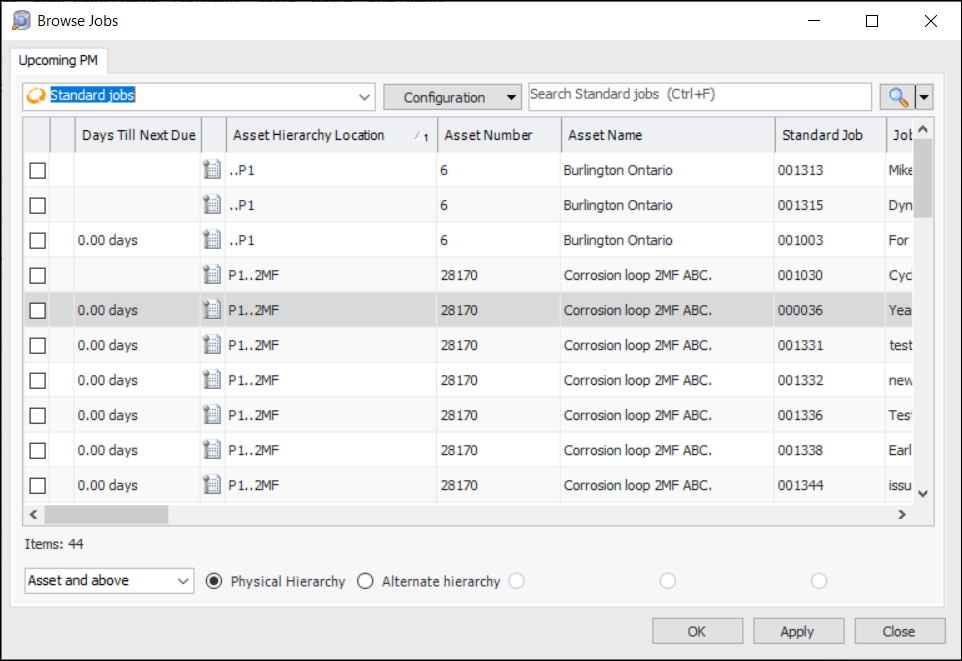
4. From the Tools menu, select Review Upcoming Work. The Browse Jobs dialog appears. This dialog shows the standard jobs that will be triggered for the selected asset.
5. Select the jobs you wish to add and click OK. APM adds the standard tasks listed on each of the standard jobs to the work order.