
|
Charging Work Costs to a Component’s Location
To Charge Work to a Component’s Location
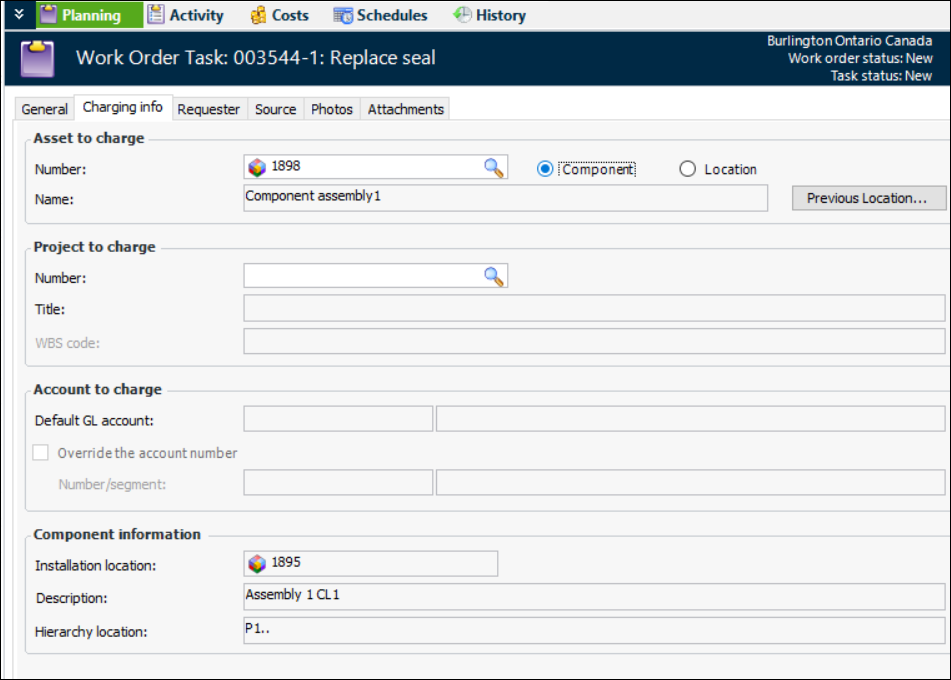
2. Select the Charging Info tab. This tab shows the currently selected asset to charge for the task.
3.
4. To charge to a location that the component used to be installed in, click Previous Location. The Asset Selector dialog appears showing a list of component locations.
6. Select the component location that you want to charge, and then click OK. APM enters the component location asset into the Asset to charge box on the task.