
|
Changing the Number of a Work Order
To Change the Number of a Work Order
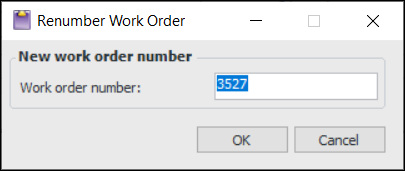
2. From the Tools menu, select the Change Work Order Number option. The Renumber Work Order dialog appears.
3. Enter the new work order number and click OK. The work order and all its tasks are updated with the new number.Note: If the number is not unique to the site, you will see a warning message. Click OK and enter a different number.