Setting up Pick Methods

Different inventory items need to be picked in different ways. You can indicate the various pick methods used for your warehouse inventory items. For example, large items may require a forklift, while small items can be picked by hand. Once you have entered your pick methods, you can link them to warehouse inventory items.

To Set up Pick Methods

1.
On the site’s Resource Management view, select the Settings tab. Select the Inventory Settings node in the tree.
Tip: You can also select the site’s Administration menu, Resource Management Settings, and then Resources. The Resource Management Settings dialog appears.
2.
Select the Pick Methods tab. This tab shows a list of the current pick methods.
3.
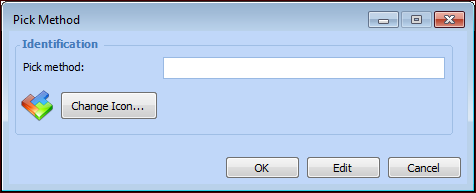
Click New. The Pick Method dialog appears.
4.
5.
Click OK to save the method.
6.
Repeat steps 3 to 5 to enter all of your pick methods.