
|
Setting up Inventory Criticalities
To Set up Inventory Criticalities
1. On the site’s Resource Management view, select the Settings tab. Select the Inventory Settings node in the tree.Tip: You can also select the site’s Administration menu, Resource Management Settings, and then Resources. The Resource Management Settings dialog appears.
2. Select the Inventory Criticalities tab. This tab shows a list of the current inventory criticalities.
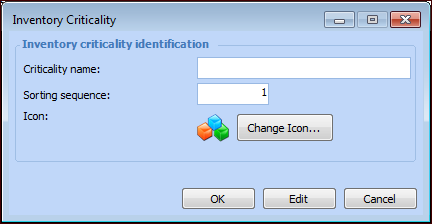
3. Click New. The Inventory Criticality dialog appears.
6. Click OK to close the Inventory Criticality dialog.