
|
Manually Setting Supplier Rankings For a Resource
To Manually Rank Suppliers for an RFQ Resource
2. Select the Analysis view, and then the Resources and Bids tab. This tab displays a list of the RFQ resources. The ranking method for each resource is listed in the Ranking Method column.
4.
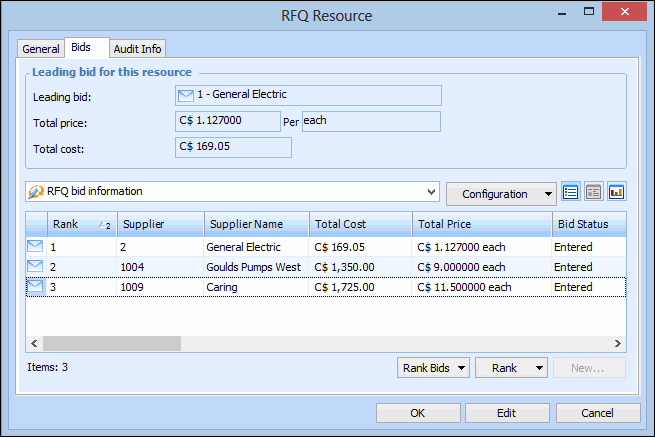
5. Select the Bids tab. This tab lists the bids for each supplier.
6. To change the ranking position of a supplier, select the supplier in the table and then from the Rank list, click Raise or Lower. Repeat this step for each supplier that you want to rank.
7. If necessary, you can lock your selection by clicking Lock Ranking.
8.
9.