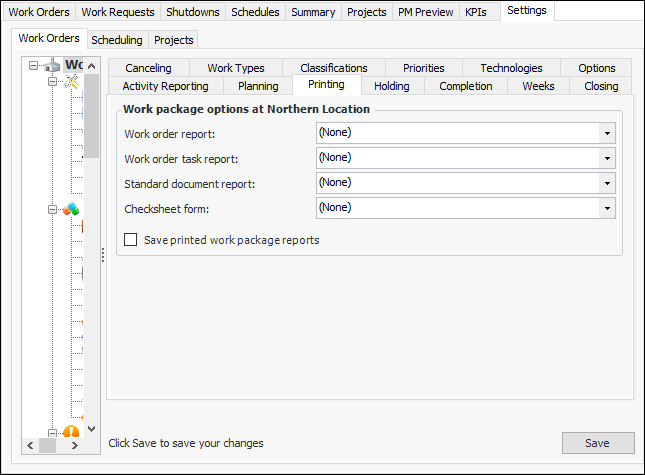
Setting Work Package Printing Options

In order for users to print work packages from a work order, work order task, or schedule, the report formats must be selected in work management settings.
You can also save printed work package reports. The report is saved in the History view for the schedule, work order or work order task. It is saved in PDF format and can be opened from the History view.

To Set Work Package Printing Options

1.
From the Site window, select the Work Management view and the Settings tab. Select the Work Orders tab and the Work management settings node in the tree.
Tip: You can also select the Administration menu and then Work Management Settings. The Work Management Settings dialog appears.
2.
Click Edit to modify the site settings. The Edit button is replaced by the Save button.
3.
Select the Printing tab.
4.
The printed work package report is saved in the History view for the schedule, work order or work order task.
5.