
|
Setting up Work Classifications
To Set up Work Classifications
1. From the Site window, select the Reliability Program view and the Settings tab. Select the Reliability Program tab and the Reliability program settings node in the tree.Tip: You can also select the Administration menu and Reliability Program Settings. The Reliability Program Settings dialog appears.
2. Select the Classifications tab. This tab shows a list of the current work classifications.
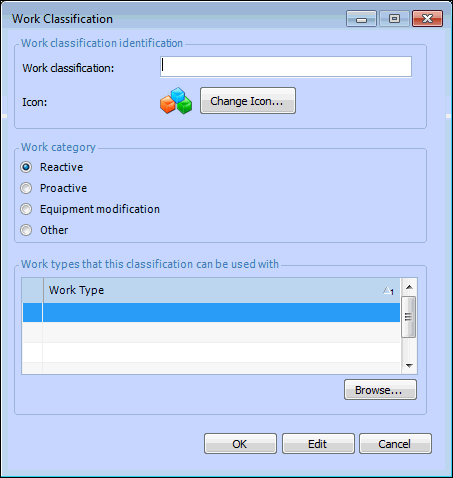
3. Click New. The Work Classification dialog appears.
5. Select an appropriate Work category:
6. Click Browse to select the work types with which the classification can be used. Make your selections, and then click OK to close the dialog.
7.