
|
Selecting a Holding Area Asset
To Select a Holding Area Asset
1. From the Site window, select the Assets view, Settings tab. Select the Assets tab and the Asset management settings node in the tree.Tip: You can also select the Administration menu, Asset Management Settings, and then Asset Management. The Asset Management Settings dialog appears.
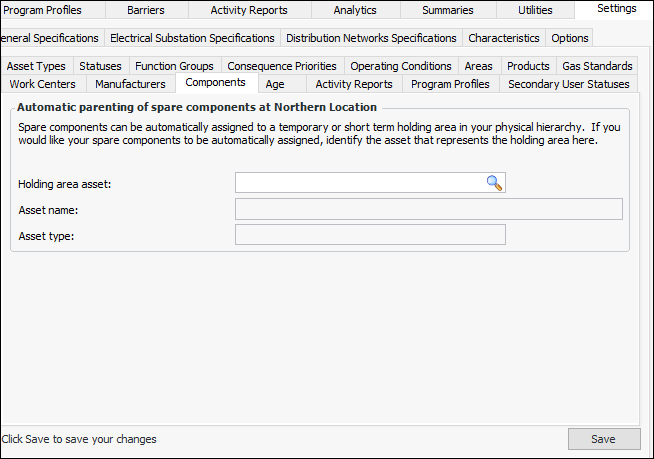
2. Select the Components tab.
3.
4. Click Browse to open the Asset Selector dialog. Select the asset you want to parent all uninstalled components and click OK. The asset now appears in the Components tab.
5.