
|
Setting up Shifts
To Set up Shifts
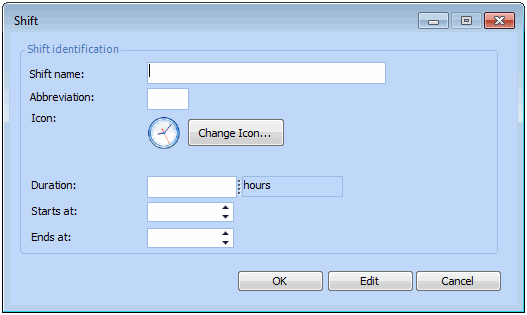
1. From the Site window, select the Administration menu and Personnel Management Settings. The Personnel Management Settings dialog appears.Tip: You can also enter shifts on the Work Management Settings dialog (Administration menu, Work Management Settings).
2. Select the Shifts tab. This tab shows a list of the existing shifts.
3. Click New. The Shift dialog appears.
4.
5.
6. Click OK.