
|
Setting up Schedulers
Tip: You can also select a top schedule and top schedule template for individual employees on the Roles tab, Work Management tab of the employee’s APM employee record.To Set up Schedulers
1. From the Site window, select the Administration menu and then Work Management Settings. The Work Management Settings dialog appears. Select the Schedules tab.Tip: You can also select the Work Management view on the site window. Select the Settings tab and then the Scheduling tab. Click the Scheduling settings node in the tree.
2. Select the Schedulers tab. This tab shows a list of employees currently designated as schedulers.
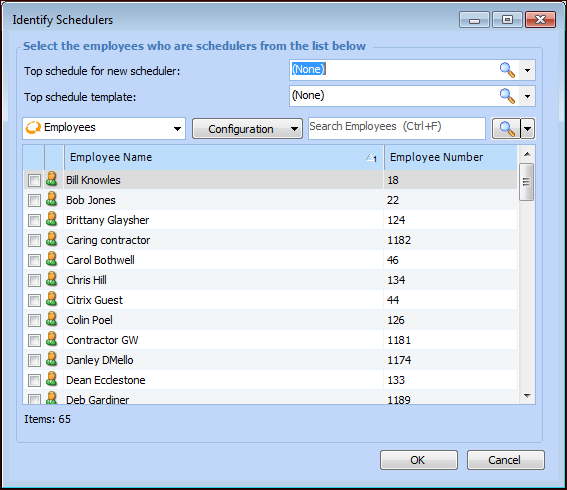
3. Click Browse. The Identify Schedulers dialog appears.
4.
6. When you are finished, click OK to apply your selections and close the dialog.
7. If necessary, you can repeat steps 3 to 6 for another group of schedulers (that have a different top template and top schedule).
8. When you are finished, click OK to close the dialog.