
|
Setting up Safety Integrity Levels
To Set up a Safety Integrity Level
1. On the site’s Safety Management view, select the Settings tab, and the Safety Management Settings node in the tree.Tip: You can also select the site’s Administration menu and then Safety Management. The Safety Management Settings dialog appears.
2. Select the SIL tab. This tab shows any levels that have been defined for the site.
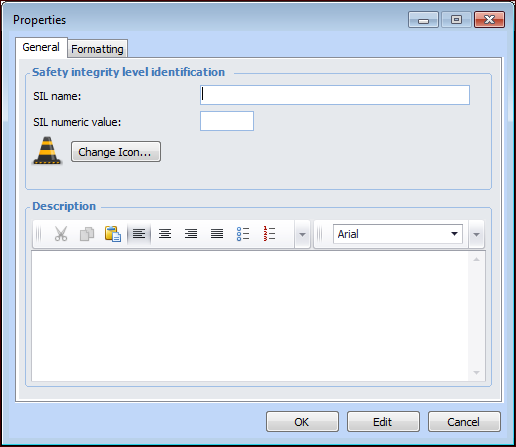
3. Click New. The Properties window appears.
6. Provide information about the SIL’s use or purpose in the Description box.
7. Select the Formatting tab to adjust the appearance of SILs listed in configurations and shown in charts.