Setting up Inspection Regimes

An inspection regime refers to government, industry, or corporate standards for inspection. Inspection regimes are selected on safety provision versions and SIF and HAZOP analysis failure modes. They are also used in modification and repair inspections.
This topic explains how to add inspection regime values for a site.

To Set up an Inspection Regime

1.
On the site’s Safety Management view, select the Settings tab, and the Safety Management Settings node in the tree.
Tip: You can also select the site’s Administration menu and then Safety Management. The Safety Management Settings dialog appears.
Tip: Inspection regimes that you set up here are also available in checksheet settings. Select the Inspection Management view, Settings tab, and then the Checksheets tab.
2.
Select the Inspection Regimes tab. This tab shows the regimes defined for the site.
3.
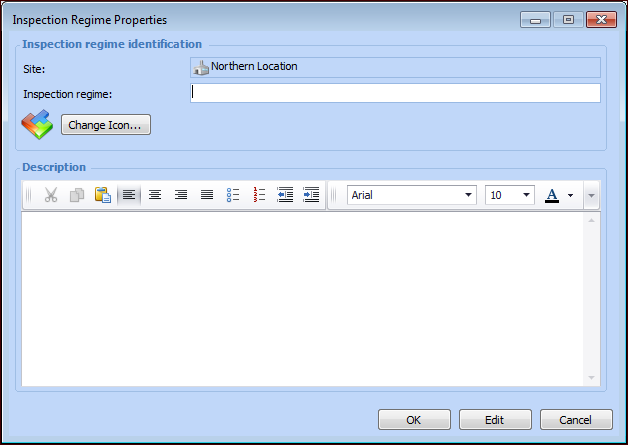
Click New. The Inspection Regime Properties window appears.
4.
5.
To represent the regime with a different icon in tables, click Change Icon, select another image, and click OK.
6.
7.
Click OK. The regime is added to the Inspection Regimes tab.