
|
Setting up the GL Holding Account for Serialized Units
To Create the GL Holding Account for Serialized Units
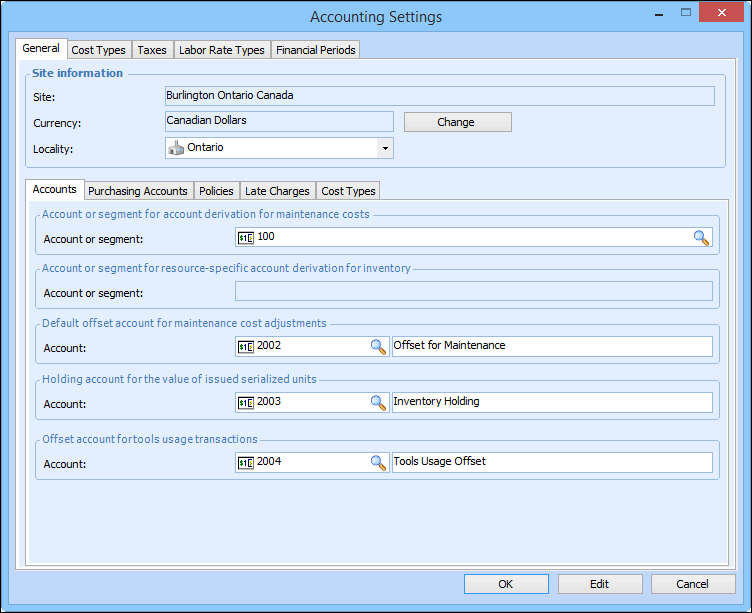
1. From the Site window, select the Administration menu and then Accounting Settings. The Accounting Settings dialog appears.
2. Select the Accounts tab. Enter the following:
3. Click OK to save your settings and close the Accounting Settings dialog.