Setting up Remedies

You can enter common remedies for causes of the problem categories. You can link remedies to causes, and also to any asset types that apply to the linked causes. This will filter the list of remedies available when reporting work order task activity

To Set up Remedies

1.
From the Site window, select the Reliability Program view and the Settings tab. Select the Reliability Program tab and the Reliability program settings node in the tree.
Tip: You can also select the Administration menu and Reliability Program Settings. The Reliability Program Settings dialog appears.
2.
Select the Problems, Causes, and Remedies tab, then the Remedies tab. This tab shows a list of the current remedies.
3.
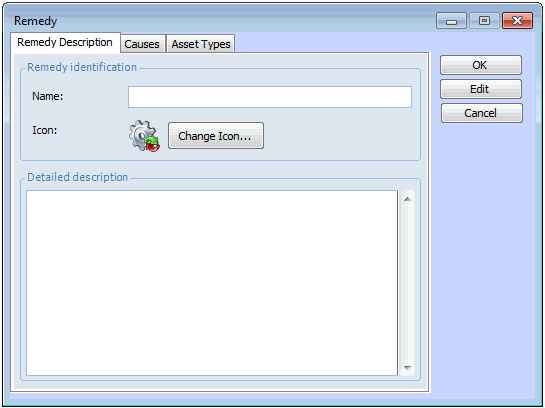
Click New. The New Remedy dialog appears.
4.
On the Remedy tab, enter the name and a detailed description of the remedy.
5.
Select the Causes tab. To select the possible causes that this remedy addresses, click Browse. Select all appropriate causes and click OK.
6.
Select the Asset Types tab. You can select from any of the asset types that have been defined on the linked causes. To select asset types, click Browse. Select one or more asset types and click OK.
7.
Click OK to save the remedy and close the dialog.
8.
Repeat steps 3 to 7 for all remedies.