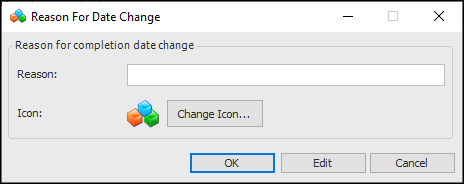
Setting up Date Change Reasons

You can define the common reasons that the work order planned completion date is changed on your site. Work planners will select these reasons when they are recording changing the planned completion date on a work order task.
APM comes with some completion date change reasons already defined. You can edit the existing reasons, or add new ones that are relevant to your organization. This topic explains how to create new completion date change reasons.

To Set up Completion Date Change Reasons
1.
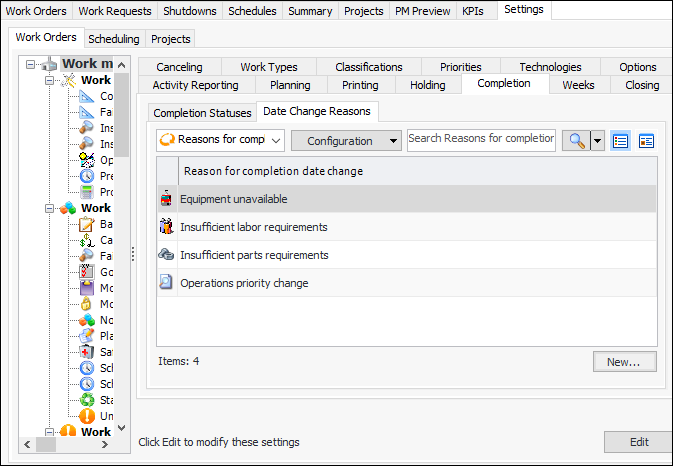
From the Site window, select the Work Management view and the Settings tab. Select the Work Orders tab and the Work management settings node in the tree.
Tip: You can also select the Administration menu and then Work Management Settings. The Work Management Settings dialog appears.
2.
Select the Completion tab and then the Date Change Reasons tab:
3.
Click New. The Reason for Date Change dialog appears.
4.
5.