
|
Setting up Project Classifications
To Define a Project Classification
1. From the Site window, select the Work Management view and the Settings tab. Select the Projects tab and the Project management settings node in the tree.Tip: You can also work with project settings in the Strategy Development, Reliability Program, or Performance Management views. Select the Settings tab and then the Projects tab.
2. Select the Project Classifications tab.
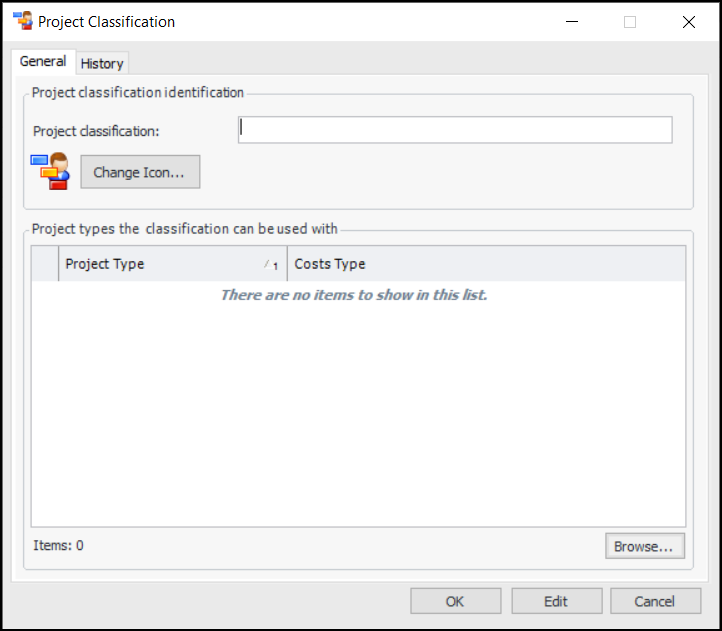
3. Click New. The Project Classification dialog is displayed.
4. On the General tab, enter the name of the project classification.
5. To select a different icon for the classification, click Change Icon, select another graphic, and click OK.
6. Click Browse to select the project types that are valid for this project classification.
7. Click OK.