|
|


Setting up the Maintenance Group Hierarchy
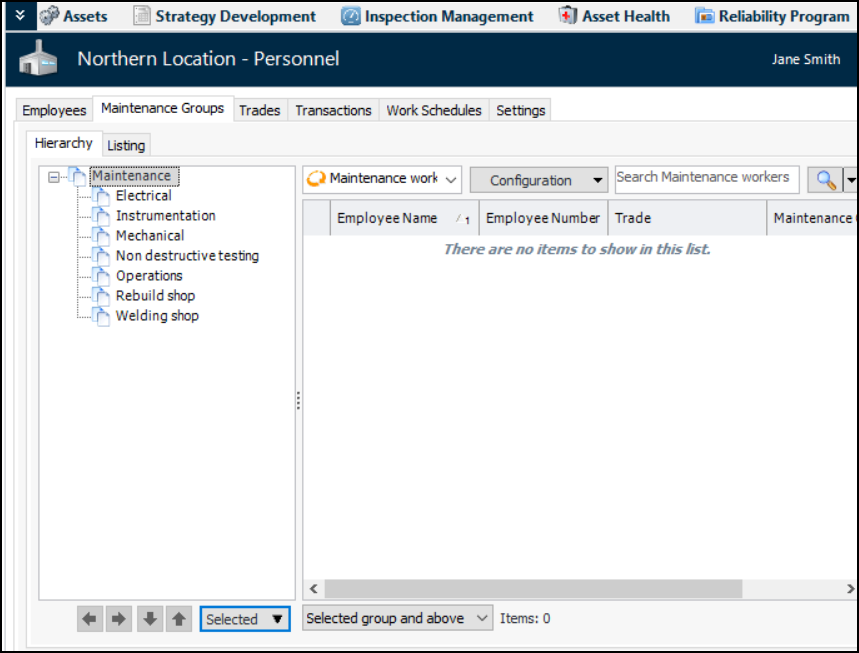
You can organize your maintenance groups into a hierarchy. The maintenance group hierarchy can reflect the reporting system of your site’s maintenance groups. You can create maintenance groups from the hierarchy and you can add existing maintenance groups to the hierarchy. If a maintenance group uses simple scheduling, it must be included in the hierarchy before its simple schedule is created or selected.This topic explains how to set the top group in the hierarchy, add existing groups, and move groups.To Set up the Maintenance Group Hierarchy