Setting up Asset Integrity Groups

Integrity group is identified on asset types, providing an easy mechanism to group similar assets. For example, integrity groups can be created for piping systems, vessels, and heat exchangers.
In risk analyses, integrity groups are used in inspection factor matrices to help determine a failure mode’s Inspection Factor, Inspection Strategy, and Inspection Interval as a result of confidence evaluations.
Once integrity groups are set up, you can specify which asset types use which groups. For more information, see **Setting up Asset Types.

To Set up an Integrity Group

1.
From the Site window, select the Assets view, Settings tab. Select the Assets tab and the Asset management settings node in the tree.
Tip: You can also select the Administration menu, Asset Management Settings, and then Asset Management. The Asset Management Settings dialog appears.
2.
Select the Integrity Groups tab. This tab displays the integrity groups for the enterprise.
3.
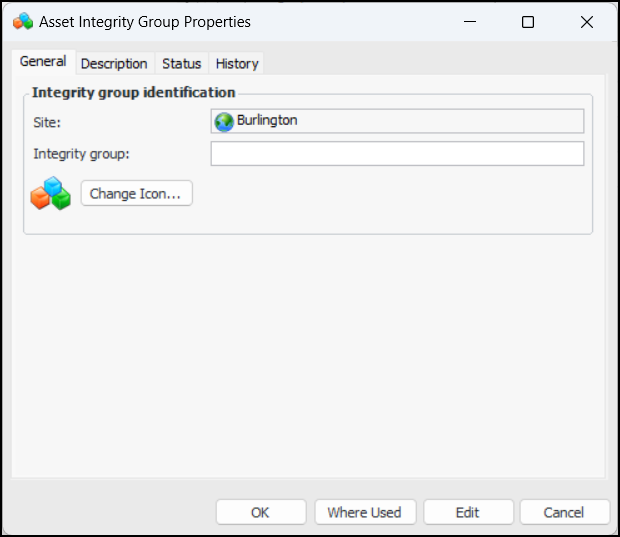
Click New. The Asset Integrity Group Properties dialog appears:
4.
5.
6.
Click OK to save the new group and close the dialog.